
iPhone overheating? Learn what is normal, what Apple says to do, safe fixes to try first, and when a worn battery needs a free diagnosis and same-day repair.
Read moreTag: Phone overheating

Galaxy S24 Ultra Overheating? Causes and Safe Fixes
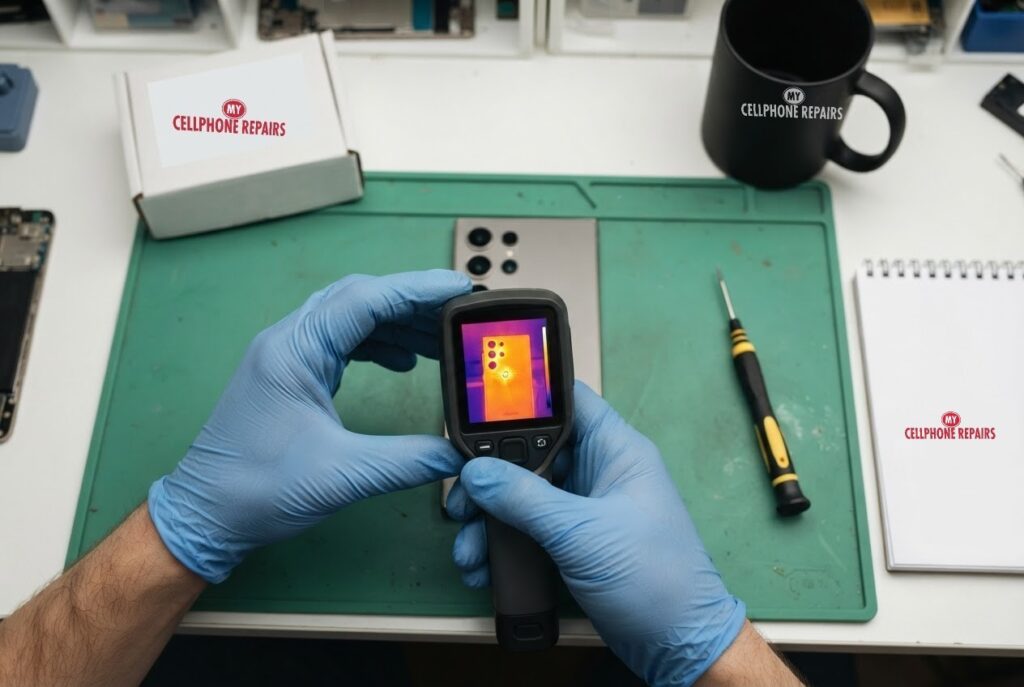
You are halfway through a map route, the phone is charging in the car, and suddenly the back of your Galaxy feels like a mug of coffee. The screen dims, the app lags and a warning pops up. A Galaxy S24 Ultra that keeps overheating is annoying, and sometimes it is a sign worth taking seriously.
This guide explains why phones get hot, which causes you can fix yourself in minutes, which warning signs mean “stop and get it checked”, and what to do about it. If the heat comes with swelling, a hissing sound or a burning smell, skip ahead to the safety section and call us. Our free diagnosis and same day repair are there when settings are not enough.
Quick facts
- Galaxy S24 Ultra battery replacement from $89.
- Free diagnosis, always. Same day for most repairs.
- 30-day warranty on premium screens and other repairs (budget screens have no warranty).
- Walk-ins welcome. Open Sundays at 9 of our 10 listed stores.
Key takeaways
- Warm is normal during gaming, video recording and charging. Hot with nothing running is not.
- Common causes: heavy multitasking or gaming, long camera or 8K recording, direct sun, background apps, a faulty charger and using the phone while it charges.
- Quick fixes: update the software, lower the refresh rate, remove the case while charging and use the original charger.
- Safe mode shows whether a downloaded app is the cause.
- Swelling, hissing, popping or a strong smell means stop using the phone and come in.
In this article
- Why does my Galaxy S24 Ultra get so hot?
- How do I stop my Galaxy S24 Ultra overheating? Step by step
- Is it an app or the hardware?
- When is overheating dangerous?
- Overheating myths and facts
- How can I prevent overheating?
Why does my Galaxy S24 Ultra get so hot?
Every phone makes heat when its chip works hard and when its battery charges. Samsung owners in the Samsung Community list the usual triggers: heavy multitasking or gaming, extended camera use or 8K video recording, direct sunlight or hot places, software bugs and background apps, faulty chargers or third-party accessories, and using the phone while it charges.
Android Authority adds the battery side of the story. It explains that excess heat can break down a battery’s internal cells, that overcharging can make a battery overheat, and that fast charging adds heat through the battery and the surrounding power circuitry. A well-made battery has safety features, but heat is still worth respecting.
So a warm phone during a long game or a fast charge is not unusual. A phone that is hot while idle, or that heats up within minutes of light use, deserves a closer look.
How do I stop my Galaxy S24 Ultra overheating? Step by step
These steps come from a Samsung Community guide for the Galaxy S24 Ultra. It is a user-posted guide rather than official documentation, so menu names may differ slightly on your phone. Try them in this order and let the phone cool between tests:
- Update the software. Settings, then Software update, then Download and install. Samsung updates can fix bugs that add heat.
- Limit background activity. Close unused apps from Recent Apps, then go to Settings, Battery and device care, Memory, and tap Clean now.
- Calm the display. In Settings, then Display, set Motion smoothness to Standard (60Hz) and lower the brightness or turn on Adaptive brightness.
- Charge without using the phone. Let it charge undisturbed and take the case off if it gets warm.
- Use proper charging gear. Samsung’s original charger or certified accessories, not a bargain cable.
- Turn on battery protection. Settings, Battery and device care, Battery, More battery settings, then switch on Protect battery and Adaptive battery.
- Reset settings if it persists. Settings, General management, Reset, Reset settings. This keeps your data but resets Wi-Fi, Bluetooth and permissions.
Community members also report relief from switching the Device care performance profile from Standard to Light, but that is one owner’s experience rather than a guaranteed fix.
Is it an app or the hardware?
The quickest way to separate the two is Safe mode. Google’s Android help explains that Safe mode can help you find an app that is causing problems such as restarting, freezing, crashing or running slowly. Use the phone normally in Safe mode. If the heat and lag stop, an app is probably the cause. If they continue, an app probably is not, and it is time to look at the charger, the battery or the phone itself.
To find the guilty app, uninstall recently downloaded apps one at a time and restart normally after each one. A Samsung Community answer says the same thing: if the phone does not overheat in Safe mode, remove third-party apps until normal behaviour returns.
Do not skip the charger either. Android Authority recommends using the charger and cable that came in the box because they are matched to the phone’s voltage and current. It also advises not charging under a pillow or in bed, and avoiding long charging sessions in hot places such as a car dashboard or in direct sun.
When is overheating dangerous?
Heat alone is usually a settings or app issue. Heat together with any of these is a different story:
- The back of the phone, or the screen, is lifting, bulging or no longer sits flat.
- A hissing or popping sound. Android Authority lists these as warning signs.
- A strange smell, or the phone gets too hot to hold even when idle.
- The battery drains very fast or the phone shuts down by itself.
Android Authority describes a swollen battery as dangerous. It can burst, catch fire, or explode, so you should stop using the phone right away. Turn it off, do not charge it, and keep it somewhere safe away from anything flammable. Do not squeeze or puncture it, and do not throw it in the bin. Take it to an authorized recycling site or bring it to us.
Samsung Community users also mention that a faulty third-party battery, or a poor connection after an earlier repair, can cause sudden overheating. That is one more reason to use a repair shop that stands behind its parts. Ours are covered by a warranty.
Overheating myths and facts
- Myth: A hot phone always means a bad battery. Fact: Gaming, 8K video, sun and background apps are all common causes, so test the simple things first.
- Myth: A factory reset always fixes heat. Fact: A reset can help a software problem, but it does not repair a faulty battery or charging circuit. Back up first if you try it.
How can I prevent overheating?
- Keep the phone out of direct sun and hot cars.
- Do not cover it while charging, and stop charging if it gets too hot, then let it cool before you start again.
- Avoid gaming or recording long videos while it charges.
- Keep the software up to date.
- Check Settings, Battery for the apps that use the most power, and uninstall the ones you rarely use.
Try this first: restart and force restart your Samsung Galaxy
These steps delete nothing and are worth doing before anything else:
- Restart: swipe down twice from the top, tap the Power icon, then Restart. Or hold the Side key and Volume Down, then tap Restart.
- Force restart (frozen phone): hold Volume Down and the Side key together for about 7 to 10 seconds, until the screen goes black and the Samsung logo appears.
- Safe mode: open the power menu, then touch and hold Power off until Safe mode appears and tap it. Restart normally to leave Safe mode.
A factory reset will not fix a hot or swollen battery. If you do reset for a software problem, back up first and know your Google account password. Samsung’s own page: Different ways to restart your Galaxy.
When to stop and come in: the phone will not turn on after a force restart and 30 minutes on the charger, it vibrates but the screen stays black, it restarts by itself over and over, it gets hot, or the back or screen is lifting (stop charging it). Free diagnosis at any of our stores.
Full step-by-step guide: How to restart and reset your Samsung Galaxy →
Repair prices
A Galaxy S24 Ultra battery replacement starts from $89 at My Cellphone Repairs. If heat turns out to be a charging port, screen or other fault, you will get a free diagnosis and an exact quote before we start.
Searching for “Samsung screen repair” or “cell phone repair near me”? Search your model on our appointment page to see live prices, then walk in or book.
We also fix tablets and computers
Heat problems happen on other devices too. We also repair Samsung tablets, iPads, laptops and MacBooks, including swollen battery laptop and MacBook cases. Search for “tablet repair near me” or “laptop repair near me” and you will find us.
Frequently asked questions
Why does my Galaxy S24 Ultra get hot while charging?
Charging itself makes heat, and fast charging makes more. Use the original charger, take the case off and avoid using the phone while it charges. If it still gets very hot, book a free diagnosis.
Is it safe to keep using a phone that overheats?
Occasional warmth is normal. If the phone swells, hisses, smells or gets too hot to hold while idle, stop using it, turn it off and bring it in. Do not charge it.
How much is a Galaxy S24 Ultra battery replacement?
It starts from $89 here, with a free diagnosis first and most repairs done the same day. Book a repair or walk in.
Sources
- Samsung Community: How to Fix Overheating Issues on the Galaxy S24 Ultra
- Android Authority: Why phones explode and how to protect yourself
- Android Authority: What to do if your phone battery is swollen
- Android Help: Find problem apps by rebooting to safe mode
- Samsung: Different ways to restart your Galaxy
#MyCellphoneRepairs #Samsung #Galaxy #SamsungRepair #GalaxyS24Ultra #PhoneOverheating #BatteryReplacement #PhoneRepair #FreeDiagnosis #HyattsvilleMD #Maryland
Pixel 9 Overheating? Causes, Fixes and When to Worry
Pixel 9 overheating? What usually makes it hot, how to check the temperature, the fixes to try and the signs it needs a technician.
Read more
Moto G Power Running Hot? Causes, Fixes and When to Worry
Why a Moto G Power gets hot, what’s normal, what to try first, and when to book a free diagnosis.
Read more
OnePlus 13 Hot While Charging? Causes and Fixes
Is your OnePlus 13 hot while charging? Warm is expected, very hot is worth checking. Learn why fast charging makes heat, what throttling means, and the signs of a failing battery.
Read more