
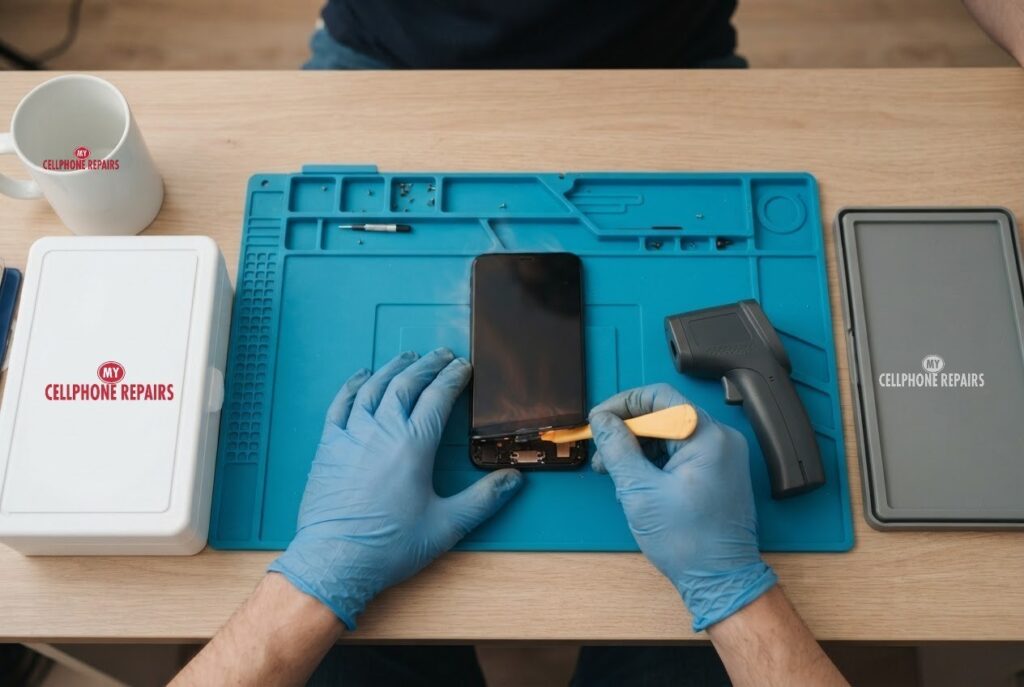
You are on a map app in the car, the phone sits in a sunny mount, and suddenly it says it needs to cool down. Or it feels like a hot stone in your pocket for no reason. iPhone overheating is common, and often harmless, but sometimes it is a warning sign. This guide explains what is normal, what Apple says to do, and when it is time to get the battery checked.
We pulled the facts from Apple’s own support pages on temperature and battery health. If your iPhone stays hot after the safe fixes below, we offer a free diagnosis and an exact quote before any work starts. Looking for a phone repair shop near me? Walk-ins are welcome.
Quick facts
- Price: iPhone 15 and iPhone 16 battery replacement from $109
- Turnaround: same day for most repairs
- Warranty: 30-day warranty on premium screens and other repairs
- Diagnosis: always free, walk-ins welcome
Key takeaways
- Warmth during setup, restores, big updates, wireless charging, games and camera use is normal, according to Apple.
- Apple says to use iPhone between 0 and 35 degrees C (32 to 95 degrees F), and not to leave it in a hot car or direct sun.
- If a temperature warning appears, turn the phone off and let it cool somewhere shaded.
- Repeated overheating can permanently shorten battery life, so do not ignore it.
- If it runs hot with no heavy use, or the screen or back looks lifted, stop charging it and come in.
In this article:
- When is a warm iPhone normal?
- What does an iPhone do when it gets too hot?
- What should I try first?
- Try this first: restart and force restart
- Could the battery be the cause?
- Myths vs facts about iPhone heat
When is a warm iPhone normal?
A warm iPhone is not automatically a broken iPhone. Apple lists several everyday jobs that make the phone warmer: first-time setup, restoring from a backup, a major software update, wireless charging, graphics-heavy games and camera use, plus high-quality video streaming. Once the job ends, the phone cools down. If no temperature warning appears, Apple says you can keep using it.
After a big iOS update, some owners also report extra heat for a few days. Apple Community replies suggest the phone may be busy in the background, re-indexing your data, which makes the battery work harder. That is a report from owners, not an Apple statement, so treat it as a clue rather than a rule. If the heat fades after a day or two, you were probably just watching the phone finish its homework.
What does an iPhone do when it gets too hot?
Your iPhone has built-in protection. According to Apple, when the inside temperature goes above the normal range, the phone tries to cool itself, and you may notice:
- Charging slows down or stops, including wireless charging (you may see “Charging On Hold”).
- The screen dims or goes black.
- The cellular signal gets weaker as the radios enter a low-power state.
- The camera flash and some camera features may switch off.
- Apps run slower, with lower frame rates.
In a navigation app you may see “Temperature: iPhone needs to cool down.” Spoken directions keep going. If a full temperature warning screen appears, Apple says to turn the phone off, move it somewhere cooler and out of direct sunlight, and let it cool. That screen can still place emergency calls.
Why does this matter for repairs? Apple also notes that overheating can permanently shorten battery life. Heat is one of the main things that ages a lithium-ion battery, so a phone that keeps running hot may be quietly wearing out its battery.
What should I try first?
- Take it out of the sun and the car. Apple says to avoid leaving iPhone in a hot car or in direct sunlight for long periods.
- Take off the case. A thick case can trap heat during charging or gaming. (This is our practical tip, not an Apple instruction.)
- Stop heavy tasks. Pause games, navigation, long video calls and camera recording for a while.
- Let it finish updating or restoring. Apple says a restore can pause when the phone is hot and resume when it cools.
- Plug it in somewhere cool. If “Charging On Hold” appears, charging resumes once the temperature is normal.
- Restart it, then update your apps and iOS from Settings so nothing is stuck in a loop.
Do not put a hot phone in the fridge or freezer. Rapid temperature swings are not something Apple recommends, and condensation can form. Let it cool naturally in the shade.
Try this first: restart and force restart
Try this first: restart and force restart your iPhone
- Restart: on iPhone X or later, press and hold a volume button and the side button until the power-off slider appears, drag it, then hold the side button to turn it back on. Or go to Settings, General, Shut Down.
- Force restart (frozen screen): on iPhone 8 and later, quickly press and release Volume Up, quickly press and release Volume Down, then press and hold the side button until the Apple logo appears. This deletes nothing.
- A factory reset will not fix a worn battery or a hardware fault. Only erase the phone for a software problem, after a backup and with your Apple Account password ready.
When to stop and come in: the phone won’t turn on even after a force restart and 30 minutes on the charger, it vibrates but the screen stays black, it restarts over and over, it gets hot or the screen or back is lifting (stop charging it), or it got wet. Free diagnosis at any of our stores, and most repairs are done the same day. Menu names may be slightly different on your model. Maker’s own steps: Apple Support: restart your iPhone
Full step-by-step guide: How to restart and reset your iPhone → | All restart & reset guides →
Could the battery be the cause?
Yes. Open Settings, Battery, Battery Health to see maximum capacity. Apple explains that a battery chemically ages and holds less charge over time. Apple designs iPhone 14 models and earlier to keep 80 percent of original capacity at 500 full charge cycles under ideal conditions, and iPhone 15 models for 1,000 cycles. Heat counts against that age, and Apple says temperature is one input iOS uses to limit performance for safety.
Apple also says that if you see “Your battery’s health is significantly degraded,” an Apple Authorized Service Provider can replace the battery, and that this message is not a safety issue. Lasting performance management or unexpected shutdowns suggest an aged battery. Apple’s one-year warranty covers a defective battery, so check that first if your phone is new.
One safety note: if the back or screen looks like it is lifting, that can be a swollen battery. Stop charging and bring it in. Our price is straightforward: iPhone 15 and iPhone 16 battery replacement is from $109, with a free diagnosis first so you only pay if we find the battery is the real problem.
Myths vs facts about iPhone heat
| Myth | Fact |
|---|---|
| “A hot phone always means it is broken.” | Apple says warmth during setup, updates, gaming and wireless charging is normal and passes. |
| “Heat only matters in summer.” | A sunny car dashboard or heavy navigation in winter can still push the phone past its range of 0 to 35 degrees C. |
| “Heat does no lasting harm.” | Apple says overheating can permanently shorten battery life. |
| “Freezing it will fix it.” | Cold also affects iPhone, and Apple says use outside the range can cause shutdowns. Cool it gently in the shade. |
Frequently asked questions
Why does my iPhone overheat when charging?
Wireless charging, a case and a warm room all add heat. Apple says charging may pause when it is too hot. If it is hot on a cool surface with a plain cable, book a free diagnosis.
Is it safe to keep using a hot iPhone?
If a temperature warning appears, Apple says to turn it off and let it cool first. If it keeps happening, bring it in for a free battery check.
How much does an iPhone battery replacement cost?
iPhone 15 and iPhone 16 battery replacement starts from $109, and most are done the same day. Walk in or book online.
We also fix tablets and computers. Need tablet repair near me or laptop repair near me? Our technicians handle those too.
iPhone still running hot? Book a free diagnosis today.
Sources
- Apple Support: if your iPhone gets too hot or too cold
- Apple Support: iPhone battery health and performance
#MyCellphoneRepairs #iPhone #Apple #iPhoneRepair #iPhone16 #PhoneOverheating #BatteryReplacement #BatteryHealth #PhoneRepair #SameDayRepair #FreeDiagnosis #TowsonMD
Get it fixed at My Cellphone Repairs: most repairs are done the same day. Walk in or book online.
Book NowPhone frozen or acting up? See our step-by-step restart & reset guides →
Our locations
- Towson Mall825 Dulaney Valley Rd, Second Level, Towson, MD 21204
(410) 828-4404 - Grand Rapids3077 28th St SE, Grand Rapids, MI 49512
(616) 799-6996 - PG Plaza Mall (Hyattsville)3500 East-West Hwy, Mall at Prince George's, Target Entrance, Hyattsville, MD 20782
(301) 559-1105 - Bowie Town Center15630 Emerald Way, Bowie, MD 20716
(240) 614-3600 - Capital City Mall (Camp Hill / Harrisburg area)3604 Capital City Mall Dr, Camp Hill, PA 17011
(717) 919-7868 - Cumberland Mall (Vineland)3849 S Delsea Dr, next to Boost Mobile, Dick's Sporting Goods entrance, Vineland, NJ 08360
(856) 765-5049 - Mondawmin Mall2401 Liberty Heights Ave, Lower Level, Baltimore, MD 21215
(443) 826-7711 - Baltimore Inner Harbor100 East Pratt St, Suite 101, Baltimore, MD 21202
(443) 838-8989 - St Charles Mall (Waldorf)11110 Mall Cir, Waldorf, MD 20603
(301) 645-7755 - Alexandria7650 Richmond Hwy, Alexandria, VA 22306
(703) 341-6789