
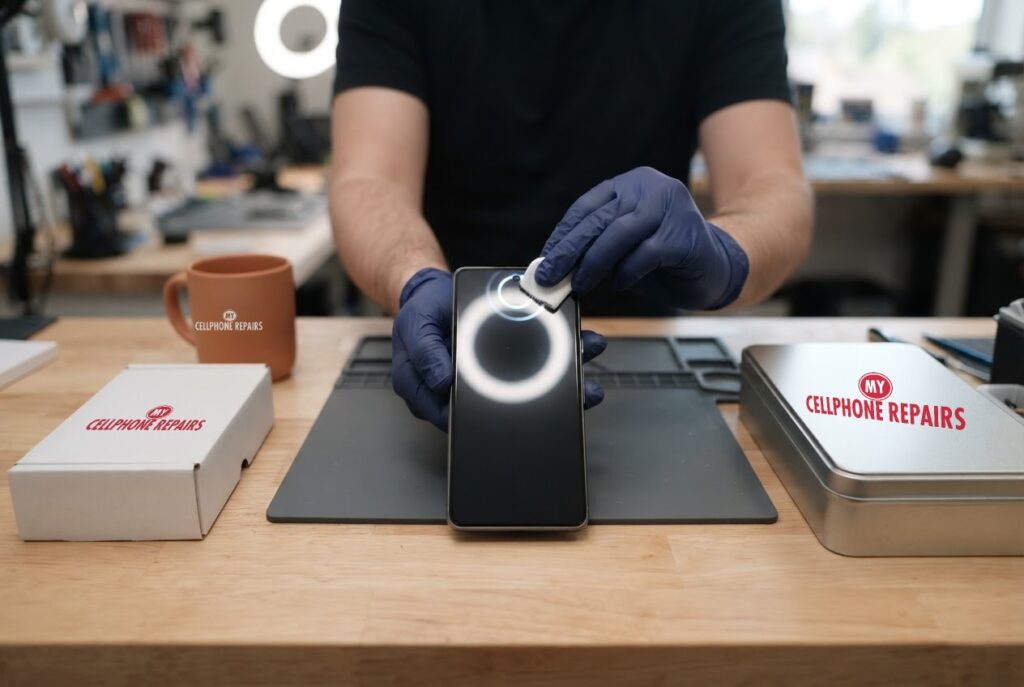
You pick up your Pixel 8, look straight at it and nothing happens. Or it works at your desk but fails in bed with the lights off. It is a small annoyance that quickly becomes a big one when you are punching in a PIN fifty times a day.
Before you decide Pixel 8 face unlock not working means a faulty phone, it helps to know how Face Unlock on a Pixel actually works, what Google says to check, and why some failures are simply the limits of the technology. This guide covers all three, then explains when the front camera genuinely needs attention. If it does, we offer Google Pixel repair near you with a free diagnosis and same day phone repair for most jobs.
Key takeaways
- Pixel 8 Face Unlock uses the front camera and Google’s software. 9to5Google says it works well in normal light but fails in dark rooms.
- Google’s checklist: confirm Face is enabled for unlocking, avoid dark places, remove sunglasses or masks, and delete and re-enroll your face if your appearance has changed.
- If it does not activate at all, check that Tap to check phone and Lift to check phone are on, and that Settings does not still show Add face.
- Keep Fingerprint Unlock set up as a backup, which Google recommends.
- Our quick facts: free diagnosis, same day for most repairs, 30-day warranty on repairs, exact quote before we start.
In this article: how Face Unlock works, Google’s fixes, the dark-room problem, when the camera is at fault, myths vs facts, cost, FAQ.
How does Face Unlock work on a Pixel 8?
Google’s help page says Face Unlock is available on Pixel 7 and later, and that on Pixel 8 and later you can also use your face to verify your identity in apps, for example when approving a purchase. 9to5Google explains that on the Pixel 8 and newer it relies on the front camera and Google’s software, and the fingerprint sensor serves as the backup.
Because it is camera-based, it needs to see your face clearly. Android Authority’s writer notes that the Pixel 8’s approach uses only the front camera, so it is less accurate than Apple’s Face ID and struggles in low light. Google also says the face model stays on the phone and is processed there, and that face images are not stored.
Pixel 8 face unlock not working: what does Google say to try?
Google’s help page splits the problem into three cases. Find yours and work through the steps.
Face Unlock does not recognize you
- Confirm Face is enabled for unlocking in Settings > Security & privacy > Device unlock > Face.
- Avoid dark environments.
- Remove sunglasses or a face covering.
- Enrol your most common appearance, with or without glasses, makeup or a headscarf.
- If your appearance has changed significantly, delete your face model and enrol again: open Face settings, delete the existing model, then tap Add face.
Face Unlock does not activate at all
- Make sure Tap to check phone and Lift to check phone are on. Google says that you tap the screen and look for a ring or animation around the camera, which shows it is scanning.
- Confirm Face Unlock is set up. If Settings still shows Add face, it is not.
- Confirm Unlock your phone is on under Use Face to.
Face Unlock activates too often
Turn off Tap to check phone and Lift to check phone. Google notes you will then need to press the power button to wake the screen.
Two more quick checks come from Google’s general Pixel troubleshooting: install pending Android updates (Settings > System > Software update), and restart the phone. Google says holding the power button for about 60 seconds forces a restart on a frozen Pixel. The box below has the steps.
Try this first: restart, force restart and Safe mode (Google Pixel)
These steps delete nothing. Menu names may be slightly different on your model and Android version.
- Restart: press and hold the Power button (on some models Power and Volume up), then tap Restart.
- Force restart (frozen): press and hold the Power button for up to 60 seconds and let go when the Google logo appears.
- Safe mode: open the power menu, touch and hold Restart until Reboot to safe mode appears, then tap OK. Google says if the problem stops in Safe mode, an app is likely the cause.
When to stop and come in: the phone will not turn on after 30 minutes on the charger, the selfie camera shows black, it restarts over and over, or it has been wet. A factory reset will not repair a camera and erases everything, so back up and skip it. Maker’s own help: Google Pixel Help: fix a Pixel phone that freezes.
Full step-by-step guide: How to restart and reset your Google Pixel → | All restart & reset guides →
Why does Face Unlock fail in the dark?
This one is not a fault. 9to5Google says Face Unlock works well in normal light but fails in dark rooms, and attributes it to the camera’s limits in low light. Android Authority’s writer says the same, adding that when face unlock fails in dim conditions, the fingerprint sensor often does not respond either, so they end up using their pattern.
Google appears to know about it. In October 2026, Android Authority found a Brighten screen in low light option in the code of an Android 17 QPR3 Beta 2 build. Google describes it as automatically raising screen brightness so Face Unlock can see you in dim lighting. It is unannounced and the screen was unfinished, so it may change or never ship, and no Pixel models were named for it beyond those where Face Unlock works this way today.
Until something like that arrives, the practical answer is the one Google already gives: avoid dark environments and keep Fingerprint Unlock set up as a backup. If Face Unlock works in good light and fails only in the dark, nothing is broken.
When is the front camera itself the problem?
Face Unlock depends entirely on the front camera, so a physical problem there will hurt it. Rather than guess, test it. Open the Camera app and switch to the selfie camera. These signs point to hardware rather than settings:
- The selfie camera shows black, blurry or smeared images even after a gentle wipe with a clean microfibre cloth.
- The glass over the camera is cracked, chipped or has been hit by a drop.
- Face Unlock fails in bright, even light, after you deleted and re-enrolled your face, and the phone is fully updated.
- The front of the phone has taken water, or the screen has lines, lift or damage near the top.
If you see any of these, a free diagnosis will tell you whether the camera, the glass or the screen assembly is at fault, and we will quote the exact price before any work starts. A factory reset will not repair a damaged camera, and it erases everything, so back up first and keep that as a last resort for software problems only.
Myths vs facts about Pixel Face Unlock
- Myth: Face Unlock should work in a pitch-dark room. Fact: 9to5Google says it fails in dark rooms, which is why Google recommends Fingerprint Unlock as well.
- Myth: It is as secure as a PIN. Fact: Google says Face Unlock is less secure than a strong PIN, pattern or password, and that lookalikes may be able to unlock the phone.
- Myth: Google stores photos of your face. Fact: Google says face images are not stored and the model stays on the device, and you can delete it from Face settings.
- Myth: If it stops working, the phone is dead. Fact: A dirty lens, sunglasses, new glasses, dim light or a changed setting are all more common than a failed camera.
Prevention is simple: wipe the selfie camera area now and then, avoid thick stick-on protectors that cover the camera, keep the phone updated, and re-enrol your face if your look changes.
How much does Pixel 8 front camera or screen repair cost?
We do not list a separate front camera price for the Pixel 8 online, and we never guess. You get a free diagnosis and an exact quote before we start. Most repairs are done the same day, they carry our 30-day warranty, and walk-ins are welcome. Most of our stores are open on Sundays.
If the front glass is cracked, our listed Pixel 8 screen price is from $209.99 (Pixel 8 Pro from $269.99), and we can quote both jobs together. We also fix tablets and computers: looking for tablet repair near me, Samsung tablet repair or laptop repair near me? Bring them in for a free diagnosis too.
FAQ
Why did my Pixel 8 Face Unlock suddenly stop working?
Check the basics from Google: Face is enabled, the room is not dark, nothing covers your face, and the camera is clean. If your look has changed, delete your face model and enrol again. If the selfie camera is black or damaged, come in for a free diagnosis.
Can a software update fix Pixel 8 Face Unlock?
Updates can fix bugs, so install pending Android updates. Google has not announced a fix for dark-room use. 9to5Google reports that an option to brighten the screen in low light has been spotted in test code, but it is unannounced.
Is a Pixel 8 front camera repair worth it?
If the camera is damaged or black, yes. Face Unlock needs it. Book a repair or walk in and we will quote the exact price before starting.
Sources
- Google Pixel Help: unlock your Pixel device with your face
- Google Pixel Help: fix a Pixel phone that freezes
- 9to5Google: Pixel face unlock in the dark and the code that hints at a fix
- Android Authority: how Google plans to let you use Face Unlock in the dark
- Android Authority: Pixel 8 fingerprint scanner and face unlock
#MyCellphoneRepairs #GooglePixel #Pixel #PixelRepair #Pixel8 #FaceUnlock #FrontCamera #PhoneRepair #AndroidRepair #SameDayRepair #Harrisburg #CampHill
Get it fixed at My Cellphone Repairs: most repairs are done the same day. Walk in or book online.
Book NowPhone frozen or acting up? See our step-by-step restart & reset guides →
Our locations
- Towson Mall825 Dulaney Valley Rd, Second Level, Towson, MD 21204
(410) 828-4404 - Grand Rapids3077 28th St SE, Grand Rapids, MI 49512
(616) 799-6996 - PG Plaza Mall (Hyattsville)3500 East-West Hwy, Mall at Prince George's, Target Entrance, Hyattsville, MD 20782
(301) 559-1105 - Bowie Town Center15630 Emerald Way, Bowie, MD 20716
(240) 614-3600 - Capital City Mall (Camp Hill / Harrisburg area)3604 Capital City Mall Dr, Camp Hill, PA 17011
(717) 919-7868 - Cumberland Mall (Vineland)3849 S Delsea Dr, next to Boost Mobile, Dick's Sporting Goods entrance, Vineland, NJ 08360
(856) 765-5049 - Mondawmin Mall2401 Liberty Heights Ave, Lower Level, Baltimore, MD 21215
(443) 826-7711 - Baltimore Inner Harbor100 East Pratt St, Suite 101, Baltimore, MD 21202
(443) 838-8989 - St Charles Mall (Waldorf)11110 Mall Cir, Waldorf, MD 20603
(301) 645-7755 - Alexandria7650 Richmond Hwy, Alexandria, VA 22306
(703) 341-6789