
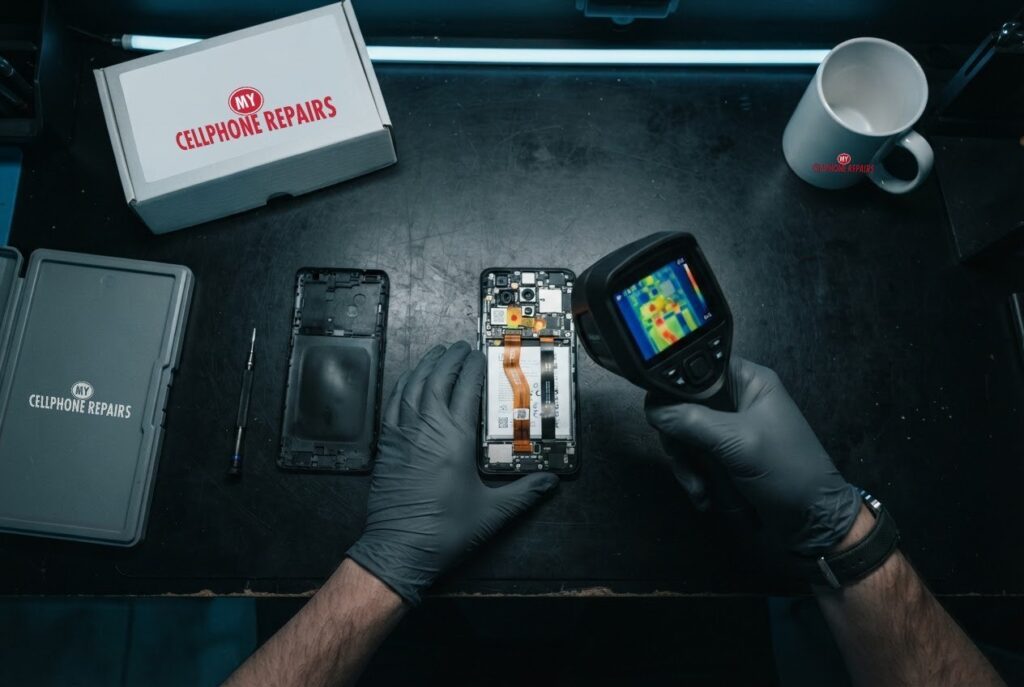
Twenty minutes into a game, OnePlus 13 overheating kicks in and the frame rate suddenly drops. The back of the phone feels hot in your palm. Is the phone broken, or is it doing what it was built to do? The honest answer from independent testing is that a flagship chip working hard gets hot, and the phone slows itself down on purpose to protect itself.
This guide uses Notebookcheck’s measurements to explain what is normal, what you can try, and the warning signs that mean you should stop using the phone and come in. If you need OnePlus screen repair or a safety check from a phone repair shop near me, our diagnosis is free and we give an exact quote before we start.
Quick facts
- Price: free diagnosis and an exact quote before we start for battery or heat-related work. For reference, a OnePlus 13 screen is from $229.99
- Turnaround: same day for most repairs
- Warranty: 30-day warranty on premium screens and other repairs; budget screens have no warranty and no refunds
- Diagnosis: always free, walk-ins welcome
Key takeaways
- Notebookcheck measured about 46 °C on the OnePlus 13 under load, so a warm phone while gaming is expected.
- In the 3DMark WildLife stress test, the same review says the chipset throttles heavily and performance falls by roughly half.
- Throttling is the phone slowing itself down to manage heat. It is not by itself a sign of damage.
- The phone has no fan. Notebookcheck says the Snapdragon 8 Elite’s full performance is only available when well cooled.
- Heat plus a swollen back, a screen lifting or a phone that shuts down needs a professional check right away.
In this article:
- Is it normal for a OnePlus 13 to get hot?
- What is throttling?
- Does charging make it worse?
- Try this first: restart and Safe mode
- When is the heat a warning sign?
- Myths vs facts
- FAQ
Is it normal for a OnePlus 13 to get hot?
Notebookcheck’s verdict on the OnePlus 13 says the phone’s second-generation Tiangong cooling system handles heat well, and that the phone measured about 46 °C under load. The review says the Snapdragon 8 Elite chip overtaxes the cooling of typical smartphones under high load, and that this holds for the OnePlus 13. The article did not state the test conditions or the room temperature, so treat the number as a guide, not a limit.
In plain terms: a modern flagship chip creates a lot of heat when a game pushes it, and a phone has no fan. The heat has to leave through the body of the phone, which means you feel it in your hand. A warm phone during a demanding game is normal. A phone that is hot with nothing running is not.
What is throttling, and why does my game slow down?
Throttling means the chip lowers its speed when it gets hot. Notebookcheck says the chipset throttles heavily in the 3DMark WildLife stress test, and that heat buildup cuts system performance by roughly 50% in that test. It also says the Snapdragon 8 Elite reaches a peak clock of 4.32 GHz, but its full performance is only available when well cooled. Its separate review lists “high throttling” as a downside and calls it pronounced.
This is why a game can feel perfect for the first minutes and then stutter. It is also why a phone that is cooler at the start of a session performs better. A stress test is harsher than most games, so your own experience may be milder.
- Take breaks. Let the phone rest between matches so it can shed heat.
- Take the case off during long sessions. A thick case can trap heat.
- Keep it out of direct sun and out of a hot car.
- Lower the graphics or frame rate in the game’s settings if it keeps stuttering.
Does charging make it worse?
Notebookcheck’s review notes the OnePlus 13 has a 6,000 mAh silicon-carbon battery, ships with a 100 W SuperVOOC adapter and supports wireless charging. We did not find a reliable measurement of heat while charging, so we will not quote a number. Our practical advice is simple: avoid heavy gaming while the phone is plugged in, because the phone is then generating heat from two sources at once.
Try this first: restart, force restart and Safe mode on your OnePlus
- Restart: press and hold Power and Volume Up (or the Power button on older models), then tap Restart.
- Force restart (frozen): on OnePlus 6T and later, hold Volume Up and Power for about 10 seconds. Some models use Volume Down and Power. Deletes nothing.
- Safe mode: open the power menu, touch and hold Power off, then tap Safe mode.
- A factory reset will not fix a hot-running phone caused by hardware. Only erase the phone for software problems, after a backup and with your account passwords ready.
When to stop and come in: the phone won’t turn on even after a force restart and 30 minutes on the charger, it vibrates or rings but the screen stays black, it restarts over and over, it gets hot or the screen or back is lifting (stop charging it), or it got wet. Free diagnosis at any of our stores, and most repairs are done the same day. Menu names may be slightly different on your model. Maker’s own steps: OnePlus Support: phone will not turn on or screen frozen
Full step-by-step guide: How to restart and reset your OnePlus → | All restart & reset guides →
When is the heat a warning sign?
Stop using the phone and bring it in if you notice any of these:
- The phone is hot when nothing demanding is running.
- The back or the screen looks like it is lifting or bulging, which can mean a swollen battery. Stop charging it.
- The phone restarts or shuts down by itself over and over.
- The phone got wet before the heat started.
We cannot tell the cause from outside, so you get a free diagnosis and an exact quote before we start. A OnePlus 13 screen is from $229.99, and battery work is quoted after we look at the phone.
Myths vs facts about a hot phone
| Myth | Fact |
|---|---|
| “A hot phone is always broken.” | Notebookcheck measured about 46 °C under load on the OnePlus 13, so heat during demanding use is expected. |
| “Throttling means damage.” | Throttling is the chip slowing down to manage heat. A phone cooled well performs better. |
| “A bigger battery fixes heat.” | The OnePlus 13 has a 6,000 mAh battery, but reviewers still measured heavy throttling in a stress test. |
| “A factory reset cures hardware heat.” | A reset only helps software problems. Hardware heat needs a diagnosis. |
Frequently asked questions
Why is my phone overheating?
Gaming, bright sun, a thick case and charging while playing all add heat. If the phone is hot with nothing running, book a free diagnosis.
Is a swollen battery in my phone dangerous?
It can be. If the back or screen is lifting, stop charging the phone and bring it in for a free diagnosis.
How long does a repair take?
Most repairs are done the same day. Walk in or book online and we will confirm the time after we look at your phone.
We also fix tablets and computers. Need laptop repair near me or swollen battery laptop/MacBook? Our technicians handle those too.
OnePlus running hot? Book a free diagnosis today.
Sources
#MyCellphoneRepairs #OnePlus #OnePlusRepair #OnePlus13 #Overheating #PhoneOverheating #BatteryRepair #PhoneRepair #SameDayRepair #TowsonMD #CampHillPA
Get it fixed at My Cellphone Repairs: most repairs are done the same day. Walk in or book online.
Book NowPhone frozen or acting up? See our step-by-step restart & reset guides →
Our locations
- Towson Mall825 Dulaney Valley Rd, Second Level, Towson, MD 21204
(410) 828-4404 - Grand Rapids3077 28th St SE, Grand Rapids, MI 49512
(616) 799-6996 - PG Plaza Mall (Hyattsville)3500 East-West Hwy, Mall at Prince George's, Target Entrance, Hyattsville, MD 20782
(301) 559-1105 - Bowie Town Center15630 Emerald Way, Bowie, MD 20716
(240) 614-3600 - Capital City Mall (Camp Hill / Harrisburg area)3604 Capital City Mall Dr, Camp Hill, PA 17011
(717) 919-7868 - Cumberland Mall (Vineland)3849 S Delsea Dr, next to Boost Mobile, Dick's Sporting Goods entrance, Vineland, NJ 08360
(856) 765-5049 - Mondawmin Mall2401 Liberty Heights Ave, Lower Level, Baltimore, MD 21215
(443) 826-7711 - Baltimore Inner Harbor100 East Pratt St, Suite 101, Baltimore, MD 21202
(443) 838-8989 - St Charles Mall (Waldorf)11110 Mall Cir, Waldorf, MD 20603
(301) 645-7755 - Alexandria7650 Richmond Hwy, Alexandria, VA 22306
(703) 341-6789