
You step out of a store and your phone shows no bars. Calls will not go out, texts fail, and the only thing that still works is Wi-Fi. OnePlus 12 no service can feel like a broken phone, but a surprising number of cases come down to the SIM or a network setting you can fix in minutes.
This guide uses Android Authority’s step-by-step no-service guide and Samsung’s SIM troubleshooting page, which cover the same Android basics. Menu names on OxygenOS can differ slightly, so use the Settings search box if something is not where we say. If the steps do not work, we offer a free diagnosis and an exact quote. Searching for android phone repair near me or phone repair open now? Walk-ins are welcome.
Quick facts
- Price: free diagnosis and an exact quote before we start
- Turnaround: same day for most repairs
- Warranty: 30-day warranty on premium screens and other repairs
- Diagnosis: always free, walk-ins welcome
Key takeaways
- Start with the SIM: reseat it, clean it and test it in another phone.
- Restart, toggle Airplane mode, then check APN and network selection.
- Resetting network settings is safe for your photos and apps, but it clears saved Wi-Fi and Bluetooth settings.
- If the SIM works in another phone and Safe mode does not help, the phone needs service.
- Ask your carrier about outages or SIM protection before you blame the phone.
In this article:
- Why does a phone say no service?
- How do I check the SIM?
- What network settings should I check?
- Try this first: restart, force restart and Safe mode
- When is it the phone itself?
- Myths vs facts about no service
Why does a phone say no service?
A phone needs three things to get service: a working SIM, correct network settings, and healthy radio hardware inside. A problem with any one of them can show “No service” or “Emergency calls only”. Most of the time the SIM or the settings are the culprit, which is good news, because those are free to fix.
Software and carrier issues also matter. Samsung’s SIM page says to ask your carrier whether SIM protection is turned on, because it can block a SIM from activating. Android Authority notes that APN settings should be compared with your carrier’s website, especially after transferring data from an old phone. If other people on your carrier have no bars in the same place, it may simply be an outage.
How do I check the SIM?
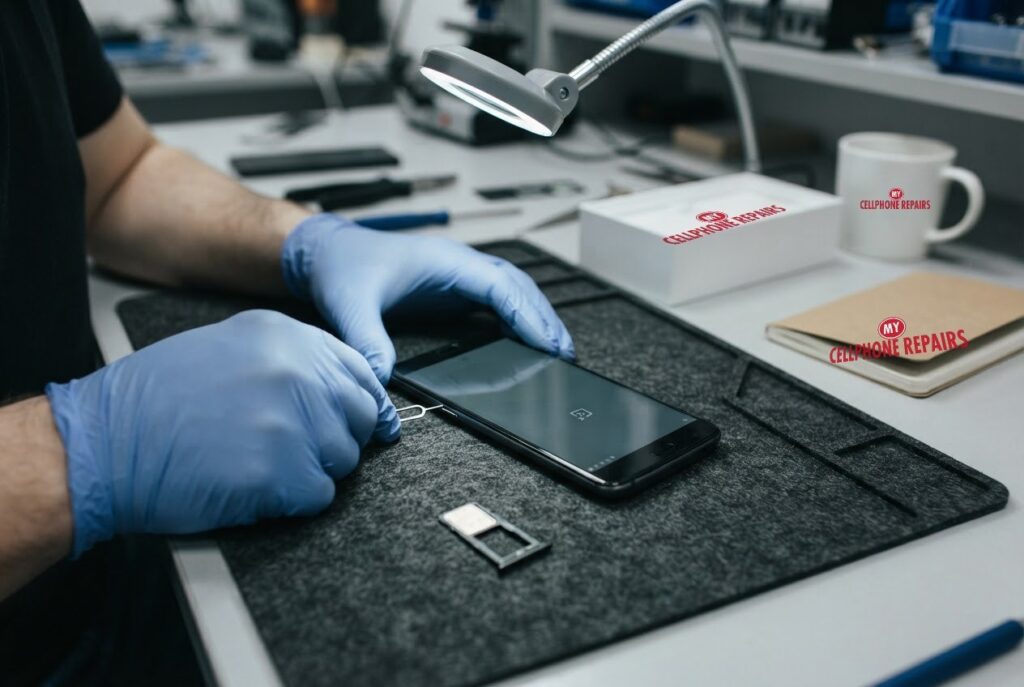
- Reseat the SIM. Switch the phone off, use the eject pin to open the tray, place the nano-SIM gold side up, and push the tray fully back in.
- Clean the contacts. Samsung says to wipe them gently with a soft, dry cloth without touching them with your fingers or metal objects.
- Inspect the tray. Android Authority says a bent tray, or one that does not release easily, may need replacing.
- Test the SIM in another phone. If it works there, the problem is likely your phone’s hardware. If it does not, ask your carrier for a replacement SIM.
What network settings should I check?
- Restart the phone, then switch Airplane mode on and off.
- Check the access point names (APNs) against your carrier’s website. This matters most after moving data from another phone.
- Pick your network manually. In the SIM and network settings, turn off automatic selection and choose your carrier, then switch back to automatic afterward if you like.
- Reset network settings. On Android phones this is usually under System, Reset options, then Wi-Fi, mobile and Bluetooth settings. Android Authority warns it also clears your Wi-Fi and Bluetooth settings, so keep your Wi-Fi password handy. It does not delete photos or apps.
- Boot into Safe mode. If service comes back there, a recently installed app is the cause. Remove recent apps one at a time.
- Contact your carrier. Ask whether there is an outage, a SIM protection setting, or an account problem.
Try this first: restart, force restart and Safe mode
Try this first: restart and force restart your OnePlus
- Restart: press and hold Power and Volume Up (or the Power button on older models), then tap Restart.
- Force restart (frozen): on OnePlus 6T and later, hold Volume Up and Power for about 10 seconds (some models use Volume Down and Power). Deletes nothing.
- Safe mode: open the power menu, touch and hold Power off, then tap Safe mode. If you get service in Safe mode, a downloaded app may be the cause.
- A factory reset will not fix damaged radio hardware. Only erase the phone for software problems, after a backup and with your Google account password ready.
When to stop and come in: the phone won’t turn on even after a force restart and 30 minutes on the charger, it vibrates but the screen stays black, it restarts over and over, it gets hot or the screen or back is lifting (stop charging it), or it got wet. Free diagnosis at any of our stores, and most repairs are done the same day. Menu names may be slightly different on your model. Maker’s own steps: OnePlus support: phone won’t turn on / frozen screen
Full step-by-step guide: How to restart and reset your OnePlus → | All restart & reset guides →
When is it the phone itself?
If your SIM works in another phone, the carrier says your account is fine, and none of the settings help, the phone needs service. Samsung’s page ends the same way: if the SIM checks out, request service. Android Authority also says that if a SIM works in another phone, the problem is likely your phone’s hardware.
Possible causes inside the phone include a damaged SIM tray or reader, or a problem after a drop or water exposure. We cannot tell which from outside, which is why we diagnose it for free. We do not post a fixed price for a OnePlus 12 signal repair, so the honest answer is free diagnosis and an exact quote before we start. Most repairs are done the same day, and walk-ins are welcome.
Myths vs facts about no service
| Myth | Fact |
|---|---|
| “No bars always means a broken antenna.” | The SIM, network settings and carrier issues are checked first, and are often the cause. |
| “Resetting network settings deletes my photos.” | It does not delete photos or apps, but it clears Wi-Fi and Bluetooth settings. |
| “A new SIM is never needed.” | If the SIM fails in another phone too, your carrier needs to replace it. |
Frequently asked questions
Why is my phone stuck on emergency calls only?
Start with the SIM and carrier checks above. If it persists, bring it in for a free diagnosis.
Why does my phone say no service but Wi-Fi works?
Wi-Fi uses a different connection from the mobile network. Check the SIM, APN and network selection, then book a free diagnosis if it stays offline.
Can a no service problem be fixed the same day?
Most repairs are done the same day. Walk in or book online.
We also fix tablets and computers. Need tablet repair near me or laptop repair near me? Our technicians handle those too.
Still no bars? Book a free diagnosis today.
Sources
- Android Authority: fix the “No SIM card” error on Android
- Samsung Support: SIM card is not detected on your Galaxy device
#MyCellphoneRepairs #OnePlus #OnePlusRepair #OnePlus12 #NoService #PhoneRepair #AndroidRepair #SameDayRepair #FreeDiagnosis #WaldorfMD #CampHillPA
Get it fixed at My Cellphone Repairs: most repairs are done the same day. Walk in or book online.
Book NowPhone frozen or acting up? See our step-by-step restart & reset guides →
Our locations
- Towson Mall825 Dulaney Valley Rd, Second Level, Towson, MD 21204
(410) 828-4404 - Grand Rapids3077 28th St SE, Grand Rapids, MI 49512
(616) 799-6996 - PG Plaza Mall (Hyattsville)3500 East-West Hwy, Mall at Prince George's, Target Entrance, Hyattsville, MD 20782
(301) 559-1105 - Bowie Town Center15630 Emerald Way, Bowie, MD 20716
(240) 614-3600 - Capital City Mall (Camp Hill / Harrisburg area)3604 Capital City Mall Dr, Camp Hill, PA 17011
(717) 919-7868 - Cumberland Mall (Vineland)3849 S Delsea Dr, next to Boost Mobile, Dick's Sporting Goods entrance, Vineland, NJ 08360
(856) 765-5049 - Mondawmin Mall2401 Liberty Heights Ave, Lower Level, Baltimore, MD 21215
(443) 826-7711 - Baltimore Inner Harbor100 East Pratt St, Suite 101, Baltimore, MD 21202
(443) 838-8989 - St Charles Mall (Waldorf)11110 Mall Cir, Waldorf, MD 20603
(301) 645-7755 - Alexandria7650 Richmond Hwy, Alexandria, VA 22306
(703) 341-6789