
You are about to join a video call, you flip to the selfie camera, and the picture is black. Or the camera app says something is wrong and closes. A Moto G Power front camera that is not working is frustrating, but there is a sensible order to try things in, and Motorola gives you a built-in test to start with.
This guide follows Motorola’s own US support pages. We will cover the hardware test, the app fixes, what the common error messages mean, and when it is time for a repair. If the camera still fails, we offer a free diagnosis and an exact quote before work starts. Looking for a phone repair shop near me or Android phone repair near me? Walk-ins are welcome.
Quick facts
- Price: free diagnosis and an exact quote before we start
- Turnaround: same day for most repairs
- Warranty: 30-day warranty on premium screens and other repairs
- Diagnosis: always free, walk-ins welcome
Key takeaways
- Motorola’s Device Help app has a hardware test for the front camera, so run it first.
- Updating the Motorola Camera app and restarting fixes many problems.
- Clearing the camera app’s cache and checking camera permissions are safe next steps.
- Safe mode shows whether a downloaded app is the cause.
- A numeric error code that comes back after a restart means the phone needs repair, according to Motorola.
In this article:
- How do I test the front camera?
- What do the camera error messages mean?
- What are the safe fixes, in order?
- Try this first: restart, force restart and Safe mode
- When is it a repair?
- Myths vs facts about phone cameras
How do I test the front camera?
Before changing settings, find out whether the camera hardware answers at all. Motorola’s troubleshooter says to open the Device Help app, then go to Device diagnosis, Hardware test, and choose Front or Rear camera. Follow the on-screen instructions. If the test passes but the camera app still fails, the problem is probably software or an app. If the test fails, the camera module itself is the likely suspect.
That one test saves a lot of guessing. It separates “the app is confused” from “the part is dead”, which is exactly what we check first in our own free diagnosis.
What do the camera error messages mean?
Motorola’s camera pages (we read the one for the moto g86 5G, and the steps are the same type used across Motorola camera help) list the common messages and fixes:
- “Please restart Camera to continue”: turn the phone off and on, clear the Camera app’s cache, check for Camera app updates, then use Safe mode to see whether a third-party app is the cause.
- “Camera Busy”: this often happens when you switch from the camera in one app to another app that also needs it. Restart, review which apps have camera permission under Settings, Privacy, Permission manager, Camera, and clear the Camera app’s cache and data.
- A number code such as 03400001: restart the phone. If the error stays, Motorola says the phone needs to be repaired and to contact Motorola support.
Menu names can differ slightly between Moto G Power versions, so use the search box in Settings if you cannot find an option.
What are the safe fixes, in order?
- Run the hardware test in Device Help as described above.
- Update the Motorola Camera app. Open the Play Store, tap your profile icon, choose Manage apps and device, and check for an update. Restart, then test.
- Restart the phone. A simple power cycle clears many one-off glitches.
- Check camera permissions. Remove camera access from apps you do not recognize. Another app holding the camera can cause “Camera Busy”.
- Clear the Camera app’s cache, then its data if the problem continues. Clearing data resets the app’s settings.
- Try Safe mode. If the front camera works there, a downloaded app is likely the cause. Remove recently installed apps one at a time.
- Wipe the lens. A smudge on the front glass can make photos look blurry or foggy. Use a soft, dry cloth.
One small tip from Motorola’s troubleshooter: some users found it helpful to allow camera access for Google Chat when video calls were the only place the camera failed.
Try this first: restart, force restart and Safe mode
Try this first: restart and force restart your Motorola
- Restart: press and hold the Power button, then tap Restart.
- Force restart (frozen): press and hold the Power button for 10 to 20 seconds until the phone restarts (some older models use Power and Volume Up). Deletes nothing. Charge to at least 5 percent first.
- Safe mode: open the power menu, touch and hold Power off, then tap OK. If the camera works in Safe mode, a downloaded app is probably the cause.
- A factory reset will not fix a damaged camera module. Only erase the phone for software problems, after a backup and with your Google account password ready.
When to stop and come in: the phone won’t turn on even after a force restart and 30 minutes on the charger, it vibrates but the screen stays black, it restarts over and over, it gets hot or the screen or back is lifting (stop charging it), or it got wet. Free diagnosis at any of our stores, and most repairs are done the same day. Menu names may be slightly different on your model. Maker’s own steps: Motorola Support: force reboot or restart
Full step-by-step guide: How to restart and reset your Motorola → | All restart & reset guides →
When is it a repair?
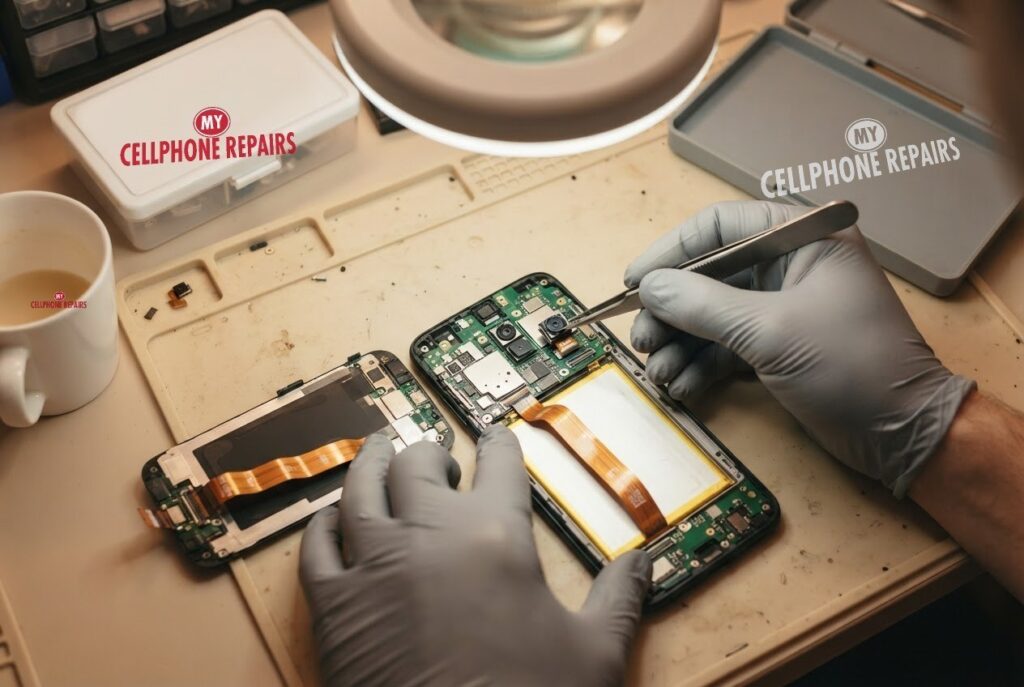
If the hardware test fails, a number error keeps coming back after a restart, or the camera stays black in Safe mode, the problem is no longer a setting. Motorola says a persistent numeric error means the phone needs repair. Physical causes can include a cracked or damaged camera module, a loose connection after a drop, or moisture.
We do not post a fixed front camera price for the Moto G Power online, so the honest answer is free diagnosis and an exact quote before we start. We will run the camera tests, check the lens and connector, and tell you the cost before touching anything. Most repairs are done the same day. If the phone has been dropped or got wet, say so when you arrive, because it helps us find the cause faster.
Myths vs facts about phone cameras
| Myth | Fact |
|---|---|
| “A black camera always means a broken part.” | Motorola lists restarts, cache clearing, permissions and Safe mode as fixes, so check software first. |
| “A factory reset always fixes it.” | If the camera still fails after a reset, it points to hardware, and a reset also erases your data. |
| “Every error code can be cleared.” | Motorola says a numeric error that stays after a restart means the phone needs repair. |
Frequently asked questions
Why is my front camera not working on FaceTime or video calls?
Check camera permissions and close other apps that may be using the camera. If it still fails in Safe mode, bring it in for a free diagnosis.
Front camera not working after a screen replacement?
Tell the shop right away. Cameras connect near the screen, so a free recheck is the quickest way to find out.
How long does a camera repair take?
Most are done the same day. Walk in or book online.
We also fix tablets and computers. Need tablet repair near me or laptop repair near me? Our technicians handle those too.
Front camera still black? Book a free diagnosis today.
Sources
#MyCellphoneRepairs #Motorola #MotoG #MotorolaRepair #MotoGPower #FrontCamera #CameraRepair #PhoneRepair #SameDayRepair #FreeDiagnosis #HyattsvilleMD #VinelandNJ
Get it fixed at My Cellphone Repairs: most repairs are done the same day. Walk in or book online.
Book NowPhone frozen or acting up? See our step-by-step restart & reset guides →
Our locations
- Towson Mall825 Dulaney Valley Rd, Second Level, Towson, MD 21204
(410) 828-4404 - Grand Rapids3077 28th St SE, Grand Rapids, MI 49512
(616) 799-6996 - PG Plaza Mall (Hyattsville)3500 East-West Hwy, Mall at Prince George's, Target Entrance, Hyattsville, MD 20782
(301) 559-1105 - Bowie Town Center15630 Emerald Way, Bowie, MD 20716
(240) 614-3600 - Capital City Mall (Camp Hill / Harrisburg area)3604 Capital City Mall Dr, Camp Hill, PA 17011
(717) 919-7868 - Cumberland Mall (Vineland)3849 S Delsea Dr, next to Boost Mobile, Dick's Sporting Goods entrance, Vineland, NJ 08360
(856) 765-5049 - Mondawmin Mall2401 Liberty Heights Ave, Lower Level, Baltimore, MD 21215
(443) 826-7711 - Baltimore Inner Harbor100 East Pratt St, Suite 101, Baltimore, MD 21202
(443) 838-8989 - St Charles Mall (Waldorf)11110 Mall Cir, Waldorf, MD 20603
(301) 645-7755 - Alexandria7650 Richmond Hwy, Alexandria, VA 22306
(703) 341-6789