
Your Galaxy S24 rings in your bag, but you only hear a faint buzz, or the podcast in the kitchen sounds like it is coming from under a blanket. A muffled or quiet speaker is one of those problems that feels like a hardware failure but often is not. This guide walks through what Samsung itself suggests checking, how to tell a blocked speaker from a water or software problem, and when a repair makes sense. If it does need one, we offer Samsung phone repair near you with a free diagnosis and same day phone repair for most jobs.
Key takeaways
- Samsung’s first checks for a muffled speaker are removing cases and films that cover the speaker or air vent, unplugging accessories, turning off Bluetooth and testing the volume sliders.
- Gently brushing the speaker with a dry toothbrush is Samsung’s own cleaning tip for muffled sound.
- Water in the speaker and sudden air-pressure changes can both make a Galaxy sound quiet, crackly or distorted, according to Samsung.
- Samsung Members has a built-in diagnostics test that covers the speaker, and Safe mode can show whether a downloaded app is the cause.
- Our quick facts: free diagnosis, same day for most repairs, 30-day warranty on this repair, exact quote before we start.
In this article: what causes a muffled speaker, settings and Bluetooth checks, blockage and cleaning, water and pressure, software tests, myths vs facts, when to repair, cost, FAQ.
Why does my Galaxy S24 speaker sound muffled or quiet?
Samsung’s support pages list a handful of everyday causes before they get to hardware. The sound may be going somewhere else, such as a Bluetooth device. A case, film or sticker may be covering the speaker or the small air vent near the camera. Dust or debris may be clogging the grille. A setting may be limiting the volume. Water may have got into the speaker. Or a downloaded app or a software glitch may be interfering.
Only after those are ruled out does it make sense to suspect a damaged speaker. The good news is that the checks are free and take about ten minutes.
Could a setting or Bluetooth be the problem?
It is surprisingly common. Samsung suggests checking whether the phone is still connected to Bluetooth, because audio will play through a speaker, car or earbuds you cannot hear. Go to Settings > Connections > Bluetooth and disconnect anything you do not want. Also unplug anything from the charging or headphone port, such as a selfie stick or adapter.
Then look at the volume and sound settings. Samsung’s list includes:
- Volume sliders: Settings > Sounds and vibration > Volume, and slide the bar for each sound type, not only the ringtone.
- Do not disturb: Settings > Notifications > Do not disturb, in case sounds are being silenced.
- Separate app sound: Settings > Sounds and vibration > Separate app sound, which can send an app’s audio to a different device.
- Left/right balance and mute all: Settings > Accessibility > Hearing enhancements, where the balance slider and the mute-all switch live.
Menu names can differ slightly by model, region and software version, so use the search box in Settings if you cannot find one.
Is the speaker blocked or dirty?
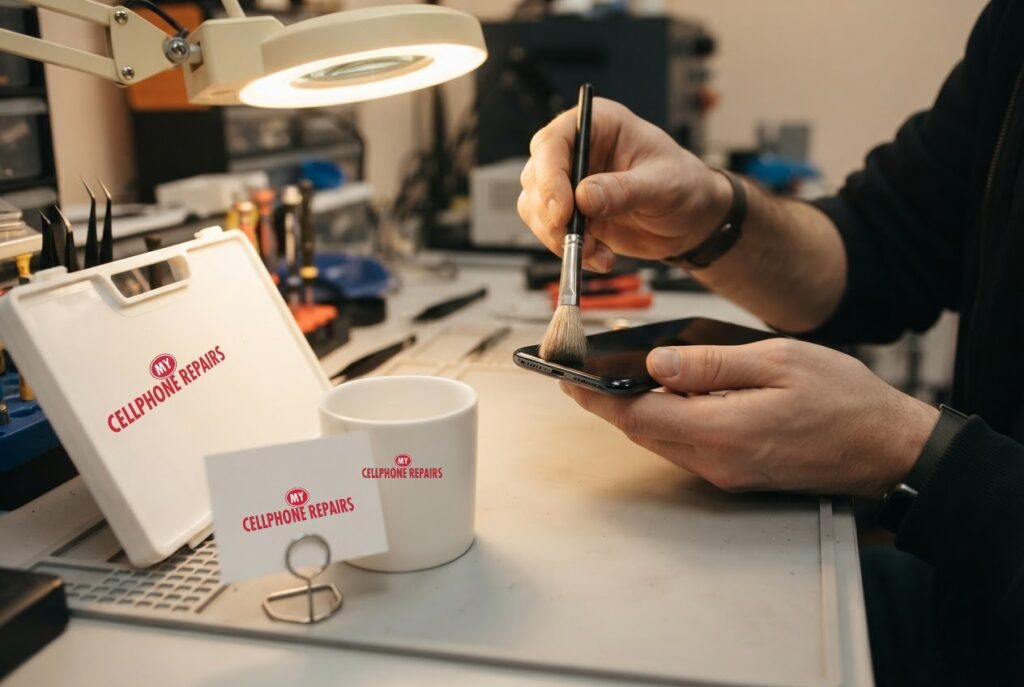
Pockets, bags and beaches are full of lint and grit. Samsung’s own tip for muffled or muted sound is to gently brush the speaker with a dry toothbrush and then test again. It also says to remove any protective film or case near the camera lens that might block the air vent hole, because the speaker needs that vent to breathe.
Be gentle. Do not push pins, needles or paper clips into the grille, and do not use liquids. You can damage the thin mesh or push dirt further in. A soft brush used lightly is enough for surface dust, and if the sound stays dull afterwards, the blockage may be deeper or the cause may be something else.
What if the phone got wet or changed altitude?
Samsung says water in the speaker can cause sound problems. If the phone got wet, wipe it with a clean, soft cloth and remove as much water as you can, especially from the earpiece, microphone, speaker and charging port. Its guidance for a wet phone is to avoid heat, and the page for speaker problems specifically says not to use compressed air.
There is also a less obvious cause. Samsung notes that a sudden change in air pressure can make the speakers sound quiet, crackly or distorted, which is related to the water-resistant design of many Galaxy phones. It usually clears up by itself, and Samsung says you can speed it up by sliding the SIM tray out about halfway for a moment, then closing it again.
If the phone had a real dunking, do not keep testing it by turning the volume up. Moisture can keep causing trouble for days, so bring it in for a free check.
Try this first: restart, force restart and Safe mode (Samsung Galaxy)
These steps delete nothing. A restart often clears a sound glitch.
- Restart: swipe down twice from the top, tap the Power icon, then tap Restart. Or hold the Side key and Volume Down, then tap Restart.
- Force restart (frozen): hold Volume Down and the Side key for about 7 to 10 seconds, until the screen goes black and the Samsung logo appears.
- Safe mode: open the power menu, touch and hold Power off until Safe mode appears, then tap it. Restart normally to leave Safe mode.
When to stop and come in: the speaker is still muffled after a restart and Safe mode, the phone got wet, it will not turn on after 30 minutes on the charger, or it is hot or the back is lifting. A factory reset will not fix a damaged speaker, and it erases everything, so back up first and only use it as a last resort. Maker’s own help: Samsung: different ways to restart your Galaxy.
Full step-by-step guide: How to restart and reset your Samsung Galaxy → | All restart & reset guides →
How do I test whether software is to blame?
- Update: go to Settings > Software update > Download and install. Samsung says to have at least 50% battery and to be online.
- Run the speaker test: open Samsung Members, log in if asked, open Diagnostics and choose the audio option. Samsung says it covers speaker, microphone and headset functionality.
- Try Safe mode: hold Volume Down and Power until the power menu appears, then touch and hold Power off and tap Safe mode. If the sound is fine, a downloaded app is likely the cause, so uninstall recent apps one at a time.
- Factory reset is the last resort: Samsung lists it after everything else, and it erases personal data, so back up first.
If the speaker test fails, or the sound is still bad in Safe mode after an update, the speaker hardware becomes the main suspect.
Myths vs facts about phone speakers
- Myth: Blowing hard into the grille cleans it. Fact: Moisture and force can push debris deeper. Samsung suggests a gentle dry brush.
- Myth: A quiet speaker always means a broken speaker. Fact: Blockage, Bluetooth, settings, pressure changes and water can all cause the same symptom.
- Myth: A factory reset fixes any sound problem. Fact: It can only help if software is at fault, and it erases your data. It will not fix a damaged speaker.
- Myth: Speaker cleaner apps are official fixes. Fact: Samsung Community moderators say there is no official app for cleaning the default speakers, so treat such apps as unproven.
When should I get the speaker repaired?
Book a visit if the sound is still muffled after you have cleaned the grille, checked Bluetooth and settings, updated, and tested in Safe mode; if Samsung Members diagnostics fails the speaker; or if the phone has been wet. A technician can tell a damaged speaker from a blocked one and give you a firm price. Check your warranty first if the phone is still covered.
How much does Galaxy S24 speaker repair cost?
We do not list a set price for Galaxy S24 speaker repair online, and we never guess. You get a free diagnosis and an exact quote before we start. Most speaker repairs are done the same day, they carry our 30-day warranty, and walk-ins are welcome. Most of our stores are open on Sundays.
If you also have a damaged screen, our listed Galaxy S24 prices are $219.99 for the Original Samsung Screen or $189.99 for the Certified Screen, and we can quote both jobs together.
We also fix tablets and computers. Looking for tablet repair near me, an iPad screen repair cost or laptop repair near me? Bring them in for a free diagnosis too.
FAQ
Why is my Galaxy S24 speaker so quiet?
Check for Bluetooth connections, a case or film covering the speaker, lint in the grille and the volume settings first. If it is still quiet, bring it in for a free diagnosis.
Can water make a Galaxy speaker sound crackly?
Yes. Samsung says water in the speaker can cause sound problems, and sudden pressure changes can make it sound crackly. If the phone got wet, bring it in rather than turning the volume up.
How long does a Samsung speaker repair take?
Most are done the same day. Walk in or book a repair and we will quote the exact price before starting.
Sources
- Samsung: what to do if the sound on your Galaxy is not working properly
- Samsung: troubleshooting speaker and sound issues on a Galaxy
- Samsung US: speaker does not work properly on Samsung phone
- Samsung: how to use Samsung Members Diagnostics
- Samsung: different ways to restart your Galaxy
#MyCellphoneRepairs #Samsung #Galaxy #SamsungRepair #GalaxyS24 #SpeakerRepair #MuffledSpeaker #PhoneRepair #SameDayRepair #Alexandria #Hyattsville
Get it fixed at My Cellphone Repairs: most repairs are done the same day. Walk in or book online.
Book NowPhone frozen or acting up? See our step-by-step restart & reset guides →
Our locations
- Towson Mall825 Dulaney Valley Rd, Second Level, Towson, MD 21204
(410) 828-4404 - Grand Rapids3077 28th St SE, Grand Rapids, MI 49512
(616) 799-6996 - PG Plaza Mall (Hyattsville)3500 East-West Hwy, Mall at Prince George's, Target Entrance, Hyattsville, MD 20782
(301) 559-1105 - Bowie Town Center15630 Emerald Way, Bowie, MD 20716
(240) 614-3600 - Capital City Mall (Camp Hill / Harrisburg area)3604 Capital City Mall Dr, Camp Hill, PA 17011
(717) 919-7868 - Cumberland Mall (Vineland)3849 S Delsea Dr, next to Boost Mobile, Dick's Sporting Goods entrance, Vineland, NJ 08360
(856) 765-5049 - Mondawmin Mall2401 Liberty Heights Ave, Lower Level, Baltimore, MD 21215
(443) 826-7711 - Baltimore Inner Harbor100 East Pratt St, Suite 101, Baltimore, MD 21202
(443) 838-8989 - St Charles Mall (Waldorf)11110 Mall Cir, Waldorf, MD 20603
(301) 645-7755 - Alexandria7650 Richmond Hwy, Alexandria, VA 22306
(703) 341-6789