
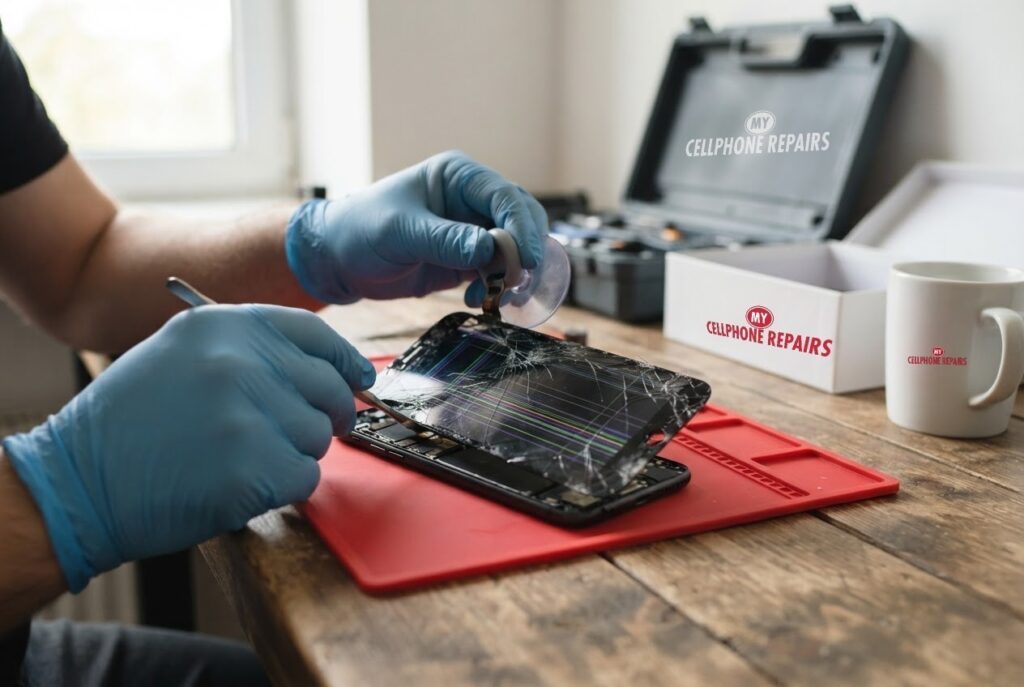
The Moto G Power slips off the couch, lands corner-first, and now the screen has a crack running across it. It still lights up, so can you keep using a Moto G Power cracked screen? Sometimes, for a short while. But a cracked screen tends to get worse, and when touch stops working or colored lines appear, it is time for a repair. We offer Motorola screen repair from $119.99, with a free diagnosis and same day phone repair for most jobs. You will learn how to judge the damage, what to do today, what Motorola covers and how our repair works.
Key takeaways
- Motorola says a cracked screen is not covered by the standard warranty, only by the Moto Care Accident Protection Plan.
- Colored lines together with other colors, or visible glass damage, usually mean the screen needs repair.
- A single thin line can sometimes be a software problem, so Motorola suggests safe mode and updates first.
- Back up your photos now, in case the touch layer fails completely.
- Our quick facts: Moto G Power screen from $119.99, same day for most repairs, free diagnosis, warranty on premium screens (none on budget screens).
In this article: cosmetic or serious damage, what to do today, lines and dead touch, what Motorola covers, myths vs facts, cost, FAQ.
Is a Moto G Power cracked screen cosmetic or serious?
Think of it as cosmetic if the glass is cracked but everything still works, and serious if touch, picture or the phone itself starts to misbehave. Either way, back up your photos, contacts and files now, in case the screen gives up completely.
A useful rule of thumb from us: check four things. Does touch respond everywhere, including the corners? Is the picture clean, without lines or dark patches? Is the glass free of loose chips? Does the phone behave normally when you press near the crack? A “yes” to all four means you have some time. Any “no” means book the repair soon.
Why does it matter? The glass cracking can also hurt the touch layer underneath. Motorola’s lines-on-display page says that colored lines (such as pink or green) that appear together with other colors, or visible glass damage, likely mean the screen is cracked, and the device should be submitted for repair.
What should I do today?
- Back up your photos, contacts and files.
- Remove a case or loose screen protector pieces if glass is flaking, and be careful of sharp edges.
- Avoid pressing on the cracked area or putting the phone in a tight pocket.
- Keep it away from water. Cracks can let moisture reach the display.
- Check if you have the Moto Care Accident Protection Plan, because Motorola says that is the only coverage for a cracked screen.
- Bring it in for a free diagnosis so we can confirm whether the display, glass or something else is damaged.
What if the screen has lines or the touch stops working?
Motorola gives a clear order for lines. A single thin line running from top to bottom can sometimes be fixed in software, so try these steps first:
- Force reboot: hold the power key for 10 seconds. Your data is not deleted.
- Check apps in safe mode: if the lines disappear, a downloaded app is the likely cause.
- Install any system update and update your apps in the Play Store.
- Factory reset as a last step. It deletes everything, so back up first.
- If the lines persist, submit the phone for repair.
For a frozen or unresponsive screen, Motorola’s Moto G Power 5G (2024) guide says to hold the power button for roughly 30 seconds. If that fails, charge the phone for at least 5 minutes and try again while plugged in. Low storage and old software can also cause freezing. Those steps only help when the cause is software. After a drop, with visible cracks, they usually will not bring touch back, and a screen replacement is the real fix.
One more clue from Motorola’s “won’t turn on” page: if no battery icon appears while charging but the phone rings when you call it from another phone, the screen is likely faulty.
What does Motorola cover, and what are my repair options?
According to Motorola’s repair page, a cracked or shattered screen is not covered under the standard warranty, only under the Moto Care Accident Protection Plan, which also covers liquid and physical damage with deductibles from $26 to $99 depending on the device. Motorola’s options include mail-in repair, where you back up and erase your data first, with the repaired phone returned in 3 to 5 business days, and carry-in repair out of warranty. For out-of-warranty mail-in orders Motorola says you usually get a replacement phone rather than a repair.
A walk-in repair with us is quicker for many owners: most are done the same day, and we give you the exact price before we start. If your phone is covered by Moto Care, check that first.
Myths vs facts about cracked phone screens
- Myth: If it still turns on, it is fine. Fact: Cracks tend to spread, and lines or lost touch can show up later.
- Myth: A restart fixes cracked glass. Fact: Restarts help software glitches, not broken glass.
- Myth: A factory reset cures lines on a damaged screen. Fact: Motorola lists it as a last step for software causes, and it deletes everything.
- Myth: Every screen is the same. Fact: We offer budget (Incell LCD) and premium (Soft OLED) options where available. Premium has a 30-day warranty. Budget screens have no warranty and no refunds.
Budget or premium screen: what is the difference?
Budget screens (Incell LCD) are darker, with lower brightness and resolution, and slower touch. They are fine for a temporary fix or a trade-in. Premium screens (Soft OLED) are brighter, match the original resolution and feel smoother, and carry our 30-day warranty, though it excludes physical or accidental damage. Ask us which options your model has.
Try this first: restart, force restart and safe mode (Motorola)
These steps delete nothing. They only help with software glitches, not broken glass. Menu names may be slightly different on your model.
- Restart: press and hold the Power button, then tap Restart.
- Force restart (frozen): press and hold the Power button for 10 to 20 seconds until the phone restarts (some older models use Power and Volume Up). Charge to at least 5% first.
- Safe mode: open the power menu, touch and hold Power off, then tap OK.
When to stop and come in: visible cracks with lines, dead patches, touch that does not respond, a black screen while the phone still rings, or a back or screen that is lifting. A factory reset will not fix a cracked screen and it erases everything, so skip it. Maker’s own steps: Motorola: force reboot or restart.
Full step-by-step guide: How to restart and reset your Motorola → | All restart & reset guides →
How much does Moto G Power screen repair cost?
Prices as listed in our repair system, with “from” prices:
| Model | Screen repair, from |
|---|---|
| Moto G Power (2026) | $119.99 |
| Moto G Power (2025) | $129.99 |
| Moto G Power (2024) | $119.99 |
| Moto G Power 5G | $119.99 |
Other Motorola models get a free diagnosis and an exact quote before we start. Same day for most repairs, walk-ins welcome, and most stores are open on Sundays.
We also fix tablets and computers. Looking for tablet repair near me, an iPad screen repair cost or laptop repair near me? Bring them in for a free diagnosis too.
FAQ
Can I keep using a Moto G Power with a cracked screen?
If touch and picture are normal, you may have some time, but cracks tend to worsen. Back up your data and book a repair if you see lines or lose touch.
How long does Moto G Power screen replacement take?
Most are done the same day. Walk in or book a repair for a free diagnosis and exact quote.
Does Motorola warranty cover a cracked screen?
Motorola says no: only the Moto Care Accident Protection Plan covers it. If you do not have that plan, a local repair is an option.
Sources
- Motorola Support: Repair options
- Motorola Support: Troubleshooting lines on display
- Motorola Help: Screen is frozen or won’t respond (moto g power 5G 2024)
- Motorola Support: Force reboot or restart
- Motorola Help: Phone won’t turn on (moto g power 2026)
#MyCellphoneRepairs #Motorola #MotoGPower #MotorolaRepair #CrackedScreen #ScreenRepair #Android #PhoneRepair #SameDayRepair #HyattsvilleMD #Waldorf
Get it fixed at My Cellphone Repairs: most repairs are done the same day. Walk in or book online.
Book NowPhone frozen or acting up? See our step-by-step restart & reset guides →
Our locations
- Towson Mall825 Dulaney Valley Rd, Second Level, Towson, MD 21204
(410) 828-4404 - Grand Rapids3077 28th St SE, Grand Rapids, MI 49512
(616) 799-6996 - PG Plaza Mall (Hyattsville)3500 East-West Hwy, Mall at Prince George's, Target Entrance, Hyattsville, MD 20782
(301) 559-1105 - Bowie Town Center15630 Emerald Way, Bowie, MD 20716
(240) 614-3600 - Capital City Mall (Camp Hill / Harrisburg area)3604 Capital City Mall Dr, Camp Hill, PA 17011
(717) 919-7868 - Cumberland Mall (Vineland)3849 S Delsea Dr, next to Boost Mobile, Dick's Sporting Goods entrance, Vineland, NJ 08360
(856) 765-5049 - Mondawmin Mall2401 Liberty Heights Ave, Lower Level, Baltimore, MD 21215
(443) 826-7711 - Baltimore Inner Harbor100 East Pratt St, Suite 101, Baltimore, MD 21202
(443) 838-8989 - St Charles Mall (Waldorf)11110 Mall Cir, Waldorf, MD 20603
(301) 645-7755 - Alexandria7650 Richmond Hwy, Alexandria, VA 22306
(703) 341-6789