
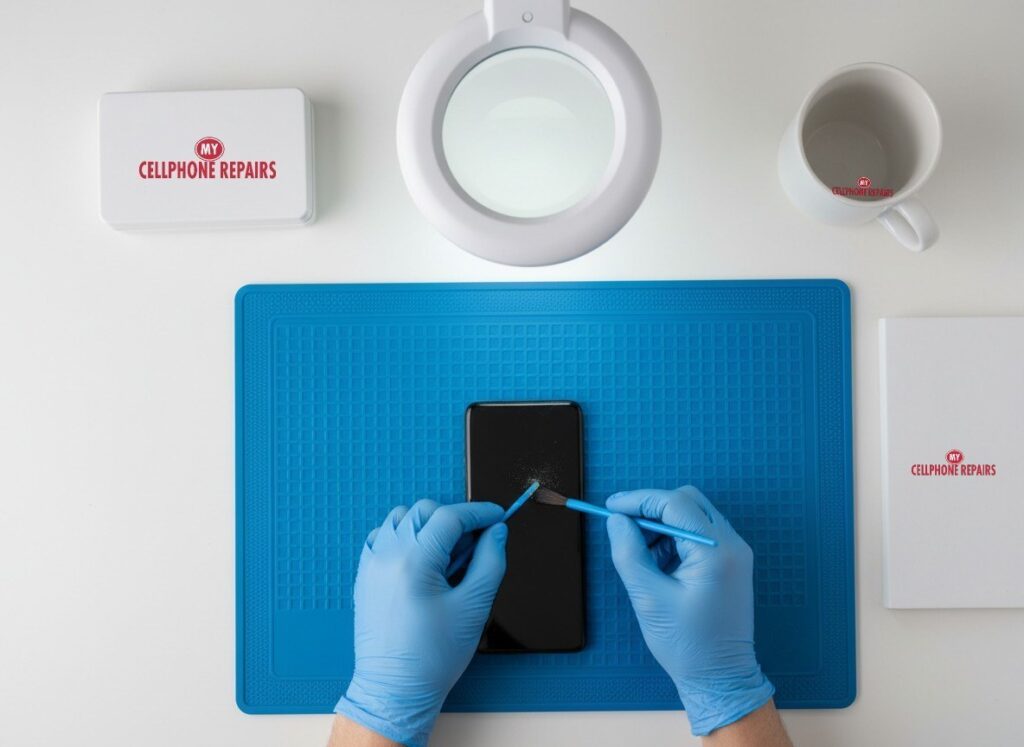
It is 7 a.m., the Galaxy S24 Ultra has been on the cable all night, and the screen still says 12%. Before you panic, take a breath. With a Galaxy S24 Ultra not charging, the cause is often something small: a bit of lint in the USB-C port, a worn cable, a moisture warning or a charging setting. This guide walks through the checks in the order that makes sense, so you know what to try at home and when it is time for a repair.
Key takeaways
- Lint packed into the USB-C port is one of the most common reasons a Galaxy will not charge, or charges slowly.
- Always test a different cable and charger before blaming the phone.
- The “moisture detected” warning stops charging on purpose, and it can appear even when the phone never touched water.
- Battery protection and heat can make charging stop early or slow down, which is normal behavior, not a fault.
- If charging still fails after another cable and charger, the port or battery needs a free diagnosis.
In this guide
- Why it stops charging
- Is it the port, the cable or the software?
- Why does my phone charge so slowly?
- Why does my Samsung say moisture detected?
- Try this first: restart, force restart and Safe mode
- When the port is worn or damaged
- Prevention and model notes
- Price and booking
- Frequently asked questions
Why is my Galaxy S24 Ultra not charging?
Samsung lists five main causes: heat, an incompatible or damaged cable or charger, charging settings, dust or lint in the port, and moisture in the port.
Four of those five are things you can check yourself in a few minutes, so start with the free checks and work toward the hardware.
The USB-C port takes daily abuse. Pocket lint and dust get pressed into the narrow slot a little more with every plug-in, until the cable no longer seats all the way.
Is it the port, the cable or the software? Step-by-step checks
Work through these in order. Each one rules out a cause.
- Let the phone cool down. Samsung says charging can pause or slow down when the device is hot. If the phone feels warm, take it out of its case and wait before you try again.
- Reseat the cable. Unplug it and push it back in firmly. A cable that is only half seated is a common culprit.
- Try another cable and charger. Samsung suggests testing a different compatible Samsung charger and cable. A cable that looks fine can still fail.
- Skip the computer. Samsung notes that fast charging may not work when the phone is connected to a PC or a standard USB port. Use a wall adapter for the test.
- Look into the port. Power the phone off and shine a flashlight inside. If you see lint or dust, remove it gently. Samsung says not to use metal objects or liquids. A plastic pick or soft brush is safer than a pin.
- Try wireless charging. The S24 Ultra supports wireless charging. If it charges on a pad, the battery is probably fine and the problem is in the wired path.
- Run the built-in test. Samsung points to the Samsung Members app (Support tab) for a Cable charging test.
If the phone still refuses to charge after a different cable and charger, Samsung recommends a hardware inspection at a service center.
Why does my phone charge so slowly?
Slow charging usually means the charger and cable are not matched to the phone, or a setting is holding the speed back.
- Wrong adapter. The S24 Ultra is rated for 45W wired charging. Samsung says 45W or 60W Super Fast Charging 2.0 needs a 45W or 60W USB-C adapter, and that a regular charger cannot fast charge.
- Wrong cable. Samsung says 45W to 60W charging needs a 5A-rated USB-C cable, because a 3A cable performs poorly at that level.
- Fast charging is off. Go to Settings > Battery > Charging settings and turn on Fast charging and Fast wireless charging.
- Battery protection is on. Under Settings > Battery > Battery protection, the Maximum option stops charging at 80% on One UI 6.1 and later. Basic stops at 100% and resumes at 95%. Adaptive uses Maximum while you sleep. Newer software versions may offer other limits, and menu names vary. If your phone “stops” at 80%, this is probably why. Pick Basic or turn it off if you want a full charge.
- Heat. A phone that is hot from gaming, a sunny dashboard or a thick case will slow down to protect itself.
Why does my Samsung say moisture detected?
Your Galaxy found moisture in the USB-C port and blocked charging on purpose to prevent corrosion and damage.
Samsung says models with an IP68 rating or higher have a sensor for this. It also says the warning can appear in high humidity with no contact with water, and that moisture on the cable can trigger it too. Some owners report it on a dry phone, so treat it as a prompt to check, not proof of a swim.
Here is what Samsung suggests:
- Unplug the charger.
- Wipe the phone with a dry cloth, or gently shake it 5 to 10 times with the port facing down.
- Power the phone off and leave it in a well-ventilated spot, or in front of a fan, until the port is completely dry. Samsung says the port must be fully dry before you charge, even on water-resistant models.
- If the warning stays after everything is dry, clear the USB cache: Settings > Apps, tap the filter icon, turn on Show system apps, open USB Settings > Storage and tap Clear cache.
- Try a different cable, and avoid charging in a steamy kitchen or bathroom.
- Use a wireless charger in the meantime, with the phone dry first.
Samsung recommends cool air and patience. If the phone really was dunked, or the warning keeps coming back, bring it in before corrosion starts.
Try this first: restart, force restart and Safe mode
Try this first
Software glitches can stop charging from starting properly. These steps delete nothing.
- Restart: swipe down twice from the top of the screen, tap the Power icon, then Restart. Or press and hold the Side key and Volume Down, then tap Restart.
- Force restart (frozen screen): press and hold Volume Down and the Side key for about 7 to 10 seconds, until the screen goes black and the Samsung logo appears.
- Safe mode: open the power menu, touch and hold Power off until Safe mode appears, and tap it. Plug in the charger. If it charges in Safe mode but not normally, a downloaded app may be the cause. Restart normally to leave Safe mode.
- Software update: Samsung advises keeping the phone updated under Settings > Software update.
A factory reset will not fix a dirty, wet or damaged port. Only consider one for a stubborn software problem, and only after you back up your data and know your Google and Samsung account passwords. Steps are on Samsung’s restart support page.
When to stop and come in: the phone gets hot while plugged in, the screen or back is lifting, it charges only at one odd angle, or nothing works after a new cable, a clean port and a restart. Bring it in for a free diagnosis.
Full step-by-step guide: How to restart and reset your Samsung Galaxy →
When is the charging port worn or damaged?
A port is likely worn or damaged when it still fails after a new cable, a clean port, a dry phone and a restart.
Signs to look for:
- The cable only charges if you hold it at an angle, or it falls out easily.
- Charging starts and stops when you touch the cable.
- You see bent or dark contacts inside the port, or the port looks loose.
- The phone charges on a wireless pad but never through the cable.
Some Samsung community members report a failed port after all the cleaning, while others say a new port did not help. That is why diagnosis matters: we test the port, the cable path and the battery before suggesting a repair.
How to prevent charging problems
- Use a Samsung-compatible 45W adapter and a 5A-rated USB-C cable if you want full speed.
- Brush out pocket lint now and then while the phone is off.
- Plug in straight and do not tug the cable at an angle.
- Check Battery protection if charging seems to stop early.
Galaxy S24 Ultra notes
The S24 Ultra has a 5,000 mAh battery, 45W wired charging and 15W wireless charging, according to GSMArena’s spec sheet. The phone has no charger in the box, so check what you are really using. For full speed, use a cable rated at 5A.
What does a charging fix cost?
We do not list a set charging-port price for the Galaxy S24 Ultra, so you get a free diagnosis and an exact quote before we start. Most repairs are done the same day, and a 30-day warranty covers our repairs.
Looking for a cell phone repair near me or a charging port repair? Walk in to a nearby store, or book ahead online.
Quick facts
- Price: free diagnosis and an exact quote before we start
- Same day for most repairs
- 30-day warranty on premium screens and other repairs
- Free diagnosis, walk-ins welcome
We also fix tablets and computers. If your iPad or Samsung tablet has the same problem, we offer tablet charging port repair, and we do laptop repair too.
Frequently asked questions
Why is my phone not charging?
Most often it is the cable, the charger or lint in the port, so test another cable and charger and clean the port gently with the phone off. If it still fails, book a free diagnosis.
Why does my phone charge so slowly?
It is usually a charger or cable that cannot deliver 45W, or Battery protection capping the charge. Check Settings > Battery, then call or walk in and we will test it for free.
Why does my Samsung say moisture detected?
The port sensor found moisture, or humidity, and stopped charging to protect the phone. Dry it as above, and if the warning stays, come in for a free diagnosis.
Sources
- Samsung: My device displays a water drop icon and will not charge
- Samsung: Galaxy device may appear to be charging slowly or not charging at all
- Samsung: Galaxy device is not fast charging
- Samsung: Galaxy Battery protection feature in One UI 6.1
- GSMArena: Samsung Galaxy S24 Ultra specifications
#MyCellphoneRepairs #Samsung #Galaxy #SamsungRepair #GalaxyS24Ultra #ChargingPort #PhoneNotCharging #PhoneRepair #CellPhoneRepair #TowsonMD #Baltimore
Get it fixed at My Cellphone Repairs: most repairs are done the same day. Walk in or book online.
Book NowPhone frozen or acting up? See our step-by-step restart & reset guides →
Our locations
- Towson Mall825 Dulaney Valley Rd, Second Level, Towson, MD 21204
(410) 828-4404 - Grand Rapids3077 28th St SE, Grand Rapids, MI 49512
(616) 799-6996 - PG Plaza Mall (Hyattsville)3500 East-West Hwy, Mall at Prince George's, Target Entrance, Hyattsville, MD 20782
(301) 559-1105 - Bowie Town Center15630 Emerald Way, Bowie, MD 20716
(240) 614-3600 - Capital City Mall (Camp Hill / Harrisburg area)3604 Capital City Mall Dr, Camp Hill, PA 17011
(717) 919-7868 - Cumberland Mall (Vineland)3849 S Delsea Dr, next to Boost Mobile, Dick's Sporting Goods entrance, Vineland, NJ 08360
(856) 765-5049 - Mondawmin Mall2401 Liberty Heights Ave, Lower Level, Baltimore, MD 21215
(443) 826-7711 - Baltimore Inner Harbor100 East Pratt St, Suite 101, Baltimore, MD 21202
(443) 838-8989 - St Charles Mall (Waldorf)11110 Mall Cir, Waldorf, MD 20603
(301) 645-7755 - Alexandria7650 Richmond Hwy, Alexandria, VA 22306
(703) 341-6789