
You are on a video call with the volume maxed and still hear your friend as if they are talking from the next room. Or your favorite song sounds like it is playing through a pillow. A OnePlus 12 speaker that sounds quiet or muffled is annoying, and the good news is that the cause is often something you can fix safely in a few minutes.
This guide pulls together cleaning advice from Android Authority and troubleshooting steps from Google’s and Samsung’s own support pages, which apply to most Android phones. We will cover what to check, what never to do to a speaker grille, and the signs that mean it is time for a repair. If it is the speaker itself, we offer a free diagnosis and exact quote before work starts. Looking for a phone repair shop near me? Walk-ins are welcome.
Quick facts
- Price: free diagnosis and an exact quote before we start
- Turnaround: same day for most repairs
- Warranty: 30-day warranty on premium screens and other repairs
- Diagnosis: always free, walk-ins welcome
Key takeaways
- Check the simple things first: mute, volume, Bluetooth, and a case that may cover the speaker.
- Clean the grille gently with a soft, dry brush at an angle. Android Authority says not to use compressed air, liquids or sharp objects.
- Test sounds from two or three different apps to tell a bad file from a bad speaker.
- If all sounds stay distorted after a restart, Google says to contact support.
- If the phone got wet, dry it thoroughly and avoid charging it. Bring it in if the sound does not return.
In this article:
- Why does a phone speaker sound muffled?
- What should I check first?
- How do I clean the speaker grille safely?
- Try this first: restart and Safe mode
- Could water be the problem?
- When is it a repair, and what does it cost?
- Myths vs facts about phone speakers
Why does a phone speaker sound muffled?
A phone speaker is a tiny driver behind a small mesh grille. Sound has to push through that mesh, so anything that blocks it makes the whole thing sound smaller and quieter. Lint from your pocket, dust, makeup and the residue left by a screen protector or case can build up over months. Moisture can do the same: Samsung’s guidance for Galaxy phones says a muffled or muted sound can mean the speaker is wet or blocked.
Software and settings cause plenty of false alarms. Audio can be routed to a Bluetooth device you forgot about, volume can be set low for one sound type, or a single broken audio file can sound distorted while everything else is fine. That is why we start with the easy checks before anyone opens the phone.
What should I check first?
- Mute and volume. Make sure the phone is not muted and raise the volume during a call. Check each sound type under your volume settings.
- Bluetooth. Samsung and Google both say to disconnect Bluetooth devices, since audio may be playing through a speaker or headphones that are nearby or still connected.
- Case and protector. Remove any case, cover or protector that might block the speaker. Google also suggests removing a screen protector.
- Headphone jack. If anything is plugged in, remove it.
- Test different sounds. Google suggests playing two or three audio or video files from different apps. If only some sounds are distorted, those files may be broken.
- Restart and update. Install the latest software update, then restart the phone and test again.
How do I clean the speaker grille safely?
Android Authority’s guide to cleaning phone speakers recommends these steps, with the phone switched off:
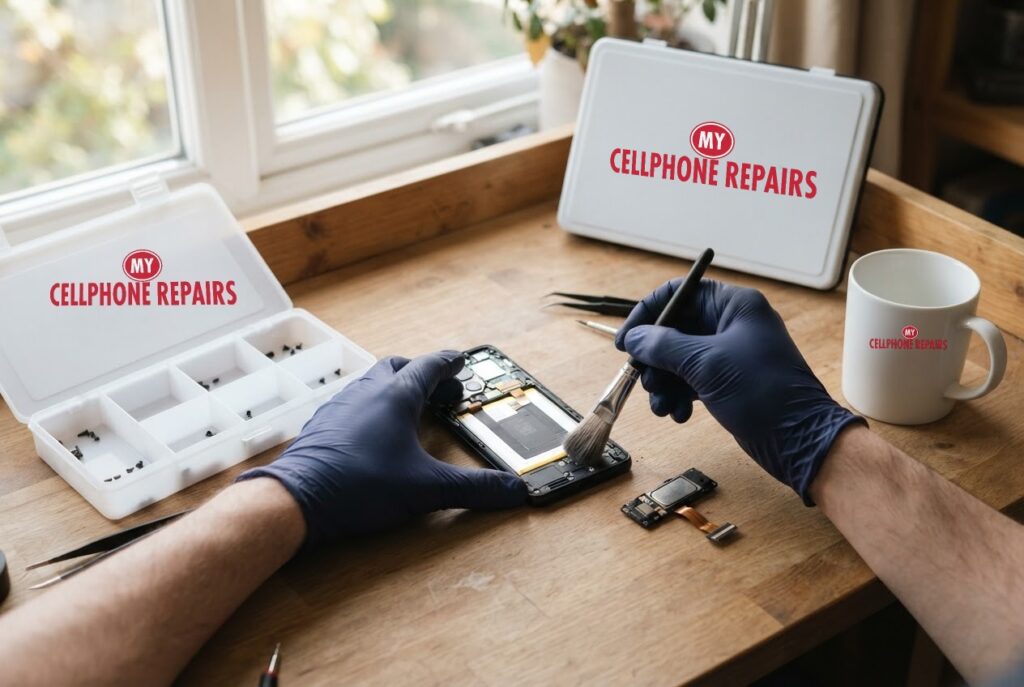
- Gently brush the grille with a soft-bristled brush, such as a clean toothbrush or paintbrush. Brush at an angle so you knock the dirt out and do not push it further in. Samsung’s guidance also recommends a dry toothbrush.
- Press adhesive putty lightly onto the grille to lift more dirt. Do not press it in deep.
- Blow remaining dust out with a handheld air blower, which is gentler than compressed air.
- Repeat as needed, stay gentle, then power on and test.
Just as important is what to avoid. Android Authority warns against liquids (they can short-circuit or corrode parts), sharp objects like paperclips or needles, compressed air (it can push dirt deeper), harsh cleansers, soap, cotton swabs (they can leave lint) and rubbing alcohol near interior components, which can also weaken water resistance.
Try this first: restart and Safe mode
Try this first: restart and force restart your OnePlus
- Restart: press and hold Power and Volume Up (or the Power button on older models), then tap Restart.
- Force restart (frozen): on OnePlus 6T and later, hold Volume Up and Power for about 10 seconds (some models use Volume Down and Power). Deletes nothing.
- Safe mode: open the power menu, touch and hold Power off, then tap Safe mode. If the sound is normal there, a downloaded app may be the cause.
- A factory reset will not fix a blocked or damaged speaker. Only erase the phone for software problems, after a backup and with your account passwords ready.
When to stop and come in: the phone won’t turn on even after a force restart and 30 minutes on the charger, it vibrates but the screen stays black, it restarts over and over, it gets hot or the screen or back is lifting (stop charging it), or it got wet. Free diagnosis at any of our stores, and most repairs are done the same day. Menu names may be slightly different on your model. Maker’s own steps: OnePlus support: phone won’t turn on / frozen screen
Full step-by-step guide: How to restart and reset your OnePlus → | All restart & reset guides →
Could water be the problem?
Yes. If your OnePlus 12 recently got wet, damp or went through a sweaty workout, moisture can sit in the speaker opening. Samsung’s advice for Galaxy phones is to dry the phone thoroughly, and if it was in salt water, wash it with fresh water and dry it again, because salt residue can block the speaker. Do not put liquids on the speaker grille; Android Authority warns liquids can short-circuit or corrode components. Avoid charging a wet phone.
If the phone had a real dunk, or the sound does not return after it dries, bring it in for a free check rather than trying to force the water out yourself.
When is it a repair, and what does it cost?
If the sound is still crackly, distorted or very quiet after cleaning and a restart, or if a cleaned phone still sounds bad in every app, the speaker may be damaged. Google’s guidance says that if all sounds remain distorted after the restart test, contact support. A speaker that is physically broken or corroded needs replacing.
We don’t post a fixed OnePlus 12 speaker price online, so the honest answer is: free diagnosis and an exact quote before we start. We will clean the grille, test the speaker and check for moisture, and tell you the cost before touching anything. Most repairs are done the same day.
Myths vs facts about phone speakers
| Myth | Fact |
|---|---|
| “Blow compressed air into the grille.” | Android Authority says compressed air can push dirt deeper or spray liquid from the can. |
| “A needle is fine for digging out lint.” | Sharp objects can damage the grille or interior parts. |
| “A little rubbing alcohol on a swab is harmless.” | Android Authority warns against rubbing alcohol near interior components, and says it can also degrade water resistance. |
| “If one video sounds bad, the speaker is broken.” | Google says if only some sounds are distorted, those files may be the problem. |
Frequently asked questions
How much does it cost to fix a phone speaker?
It depends on the cause. A blocked grille costs little to clean, while a damaged speaker needs replacing. We offer a free diagnosis and an exact quote before we start.
Why is my phone speaker quiet only during calls?
Check mute and volume during the call, disconnect Bluetooth and remove cases. If it persists, bring it in for a free diagnosis.
Can a phone speaker be repaired the same day?
Most speaker repairs are done the same day. Walk in or book online for a free check first.
We also fix tablets and computers. Need tablet repair near me or laptop repair near me? Our technicians handle those too.
Speaker still muffled? Book a free diagnosis today.
Sources
- Android Authority: How to properly clean your phone’s speakers
- Google Pixel Help: Why can’t I hear sound from my Pixel phone?
- Samsung Support: What to do if the sound on your Galaxy is not working properly
#MyCellphoneRepairs #OnePlus #OnePlusRepair #OnePlus12 #SpeakerRepair #PhoneSpeaker #PhoneRepair #SameDayRepair #FreeDiagnosis #VinelandNJ #WaldorfMD
Get it fixed at My Cellphone Repairs: most repairs are done the same day. Walk in or book online.
Book NowPhone frozen or acting up? See our step-by-step restart & reset guides →
Our locations
- Towson Mall825 Dulaney Valley Rd, Second Level, Towson, MD 21204
(410) 828-4404 - Grand Rapids3077 28th St SE, Grand Rapids, MI 49512
(616) 799-6996 - PG Plaza Mall (Hyattsville)3500 East-West Hwy, Mall at Prince George's, Target Entrance, Hyattsville, MD 20782
(301) 559-1105 - Bowie Town Center15630 Emerald Way, Bowie, MD 20716
(240) 614-3600 - Capital City Mall (Camp Hill / Harrisburg area)3604 Capital City Mall Dr, Camp Hill, PA 17011
(717) 919-7868 - Cumberland Mall (Vineland)3849 S Delsea Dr, next to Boost Mobile, Dick's Sporting Goods entrance, Vineland, NJ 08360
(856) 765-5049 - Mondawmin Mall2401 Liberty Heights Ave, Lower Level, Baltimore, MD 21215
(443) 826-7711 - Baltimore Inner Harbor100 East Pratt St, Suite 101, Baltimore, MD 21202
(443) 838-8989 - St Charles Mall (Waldorf)11110 Mall Cir, Waldorf, MD 20603
(301) 645-7755 - Alexandria7650 Richmond Hwy, Alexandria, VA 22306
(703) 341-6789