
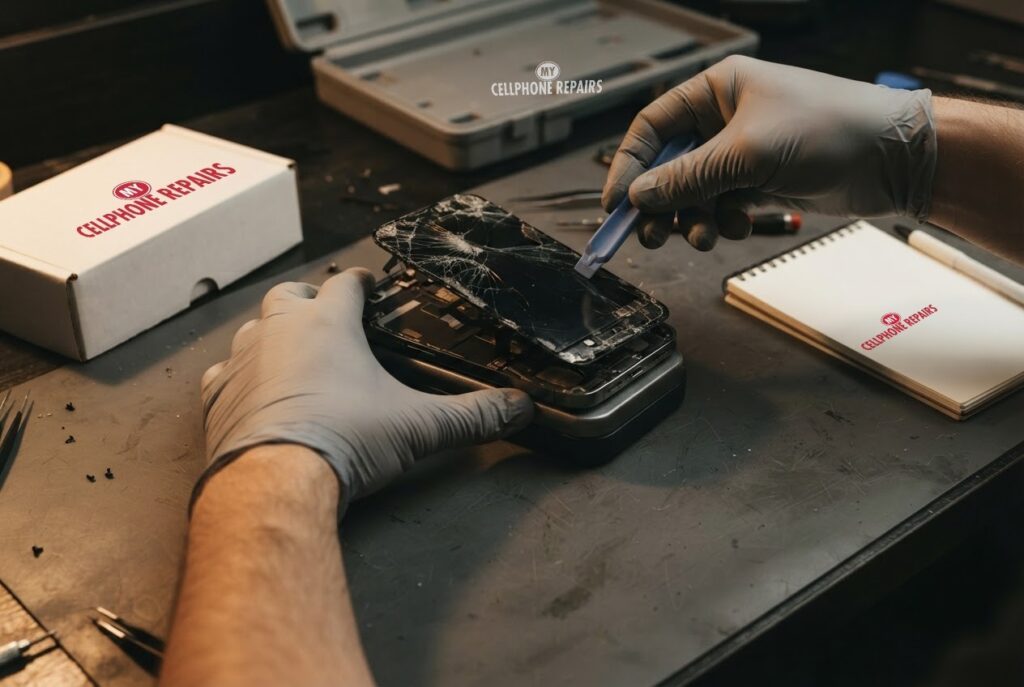
The phone slips off the arm of the couch, lands face down on the tile, and you already know before you flip it over. A Galaxy S24 Ultra cracked screen is one of the most common repairs we see, and the first question is always the same: is it worth fixing, and what will it cost?
Here is the plain answer. Our Galaxy S24 Ultra screen repair starts from $199.99 for a Certified Screen, or $299.99 for an Original Samsung Screen, with same-day service for most repairs and a free diagnosis. Below we explain what a crack really does inside the display, what to do in the first few minutes, the repair options Samsung itself lists, and how to pick between screen types. If you want a Samsung screen repair or phone screen replacement near you, walk-ins are welcome.
Quick facts
- Galaxy S24 Ultra screen, from: $199.99 (Certified Screen)
- Original Samsung Screen: $299.99
- Turnaround: same day for most repairs
- Warranty: 30-day warranty on premium screens and other repairs; budget (Incell LCD) screens have no warranty and no refunds
- Diagnosis: always free, walk-ins welcome
Key takeaways
- Samsung says a cracked screen should be repaired as soon as possible.
- Black ink-like spots, lines or odd colors can mean the display panel is damaged even when the glass looks intact, and Samsung says such spots may spread over time.
- A couple of dead pixels is not unusual, but a crack is not something a reset or an update can fix.
- Our prices come straight from our booking system: $199.99 for a Certified Screen or $299.99 for an Original Samsung Screen.
- Back up your data first. Samsung says physical damage is not covered by the standard warranty, according to owners and a moderator in its community.
In this article:
- What does a crack really do inside a Galaxy screen?
- What should I do right after the drop?
- Try this first: restart and Safe mode
- What are my repair options and what do they cost?
- Budget vs premium screens: what is the difference?
- Myths vs facts about cracked Galaxy screens
- How can I prevent the next crack?
What does a crack really do inside a Galaxy screen?
A modern Galaxy display is more than a sheet of glass. Under the top layer sits the display panel that makes the picture, and a touch layer that reads your finger. A hard drop can crack the glass, damage the panel underneath, or both. That is why you can see a phone with a few hairline cracks that still works, and another with perfect-looking glass that shows a black blotch.
Samsung’s own support page says it plainly: for black spots or ink-like marks, or lines and unusual colors, the display panel may be damaged even if the outer glass is intact, and display repair is recommended. Samsung also says black spots from internal damage may spread over time, so waiting can make the problem worse.
Cracked glass has its own risks. Edges can cut fingers, dust and moisture can get in, and the damage can grow with every pocket and bag. Samsung’s guidance on cracked screens is simply “repair is recommended as soon as possible.”
What should I do right after the drop?
- Stop and look. Check whether the screen responds to touch and whether any part of the display shows lines, spots or flicker.
- Back up if you can. If the phone still works, back up photos and files with Smart Switch or your cloud account before anything else.
- Do not press on the glass. Loose pieces can cut you and make the damage worse. A clear screen protector or tape over sharp cracks is a short-term help.
- Rule out software. A couple of dead pixels or pink lines can be software-related. Samsung suggests installing pending updates and testing in Safe mode. If the problem remains in Safe mode, the device itself may be at fault.
- Get it checked. A free diagnosis tells you whether it is the glass, the panel, or both.
One thing a factory reset will not do is mend a crack. Samsung describes a factory reset as a last resort for pixel issues, and it erases all data, so only try it if the problem looks like software and you have a backup.
Try this first: restart and Safe mode
Try this first: restart and force restart your Samsung Galaxy
- Restart: swipe down twice from the top, tap the Power icon, then Restart. Or press and hold the Side key and Volume Down, then tap Restart.
- Force restart (frozen or touch not responding): press and hold Volume Down and the Side key for about 7 to 10 seconds, until the screen goes black and the Samsung logo appears. This deletes nothing.
- Safe mode: open the power menu, touch and hold Power off until “Safe mode” appears, then tap it. If a line or glitch disappears here, a recent app may be the cause. Restart normally to leave Safe mode.
- If the glass is cracked, black spots are spreading, or lines stay in Safe mode, stop here: a reset will not fix hardware damage. Only factory reset if software is the cause, and only after a backup and with your Google and Samsung account passwords handy.
When to stop and come in: the phone won’t turn on even after a force restart and 30 minutes on the charger, it vibrates but the screen stays black, it restarts over and over, it gets hot or the screen or back is lifting (stop charging it), or it got wet. Free diagnosis at any of our stores, and most repairs are done the same day. Menu names may be slightly different on your model. Maker’s own steps: Different ways to restart your Galaxy (Samsung)
Full step-by-step guide: How to restart and reset your Samsung Galaxy → | All restart & reset guides →
What are my repair options and what do they cost?
Samsung lists several routes: Samsung Repair Services (walk-in or mail-in with genuine Samsung parts), Samsung authorized service centers, and Samsung Premium Care, a service contract that covers accidental damage with a low deductible. If you have that plan, start there. Samsung’s UK support page explains that a technician checks the damage first, and the repair is either a complete screen replacement or a cheaper partial repair that replaces only parts such as the display panel or tempered glass. Partial repair is limited to certain models and may not be possible if the damage is severe.
If you want a quick, local fix, here is what we charge. These are the “from” prices on our booking system today for the Galaxy S24 Ultra:
| Option | Price from | Notes |
|---|---|---|
| Certified Screen | $199.99 | Lower-cost choice |
| Original Samsung Screen | $299.99 | Original Samsung part |
| Back glass (for comparison) | $89 | Separate repair |
| Battery (for comparison) | $89 | Separate repair |
Prices can change, and the exact total is confirmed after the free diagnosis. A broken frame or other damage can change the quote. Ask us which option suits your phone, how long you plan to keep it, and whether a warranty applies.
Budget vs premium screens: what is the difference?
Budget (Incell LCD): darker, lower brightness and resolution, slower touch, thicker fit, auto-brightness may not work, can run slightly warm. No warranty and no refunds. Good for a trade-in, a temporary fix or data recovery.
Premium (Soft OLED): bright, same resolution as original, smooth touch, slim fit, auto-brightness works. 30-day warranty (excludes physical or accidental damage and internal discoloration). Best for long-term use.
Not every model has every option, so ask us what is available for your S24 Ultra during the free diagnosis.
Myths vs facts about cracked Galaxy screens
| Myth | Fact |
|---|---|
| “If the glass is not cracked, the screen is fine.” | Samsung says black ink-like spots, lines or odd colors can come from panel damage even when the outer glass is intact. |
| “A factory reset can fix it.” | Not for physical damage. Samsung calls a reset a last resort for pixel issues, and it erases your data. |
| “A film protector means I’m covered.” | One member in a Samsung Community thread said the official protector mainly guards against minor scratches, and “glass is glass and glass can break.” |
| “The warranty will pay.” | Owners and a moderator in the same thread said physical damage is not covered. Check your plan, such as Samsung Premium Care, before paying. |
| “A few dead pixels mean a bad phone.” | Samsung says a couple of dead pixels is not unusual. If they multiply or affect how the screen works, get it checked. |
How can I prevent the next crack?
- Use a case with raised edges so the screen does not touch the ground when the phone lands face down.
- Consider tempered glass. One community member suggested it over film, but also noted there is always some compromise, such as glare.
- If you have insurance or a protection plan, keep your receipt. Samsung’s guidance says to submit it to your insurer.
- Replace a cracked screen quickly so the damage does not spread.
Frequently asked questions
How much does it cost to fix a cracked Galaxy S24 Ultra screen?
From $199.99 for a Certified Screen or $299.99 for an Original Samsung Screen. The exact price is confirmed after a free diagnosis, so book a check and you will know before any work begins.
How long does a screen repair take?
Most screen repairs are done the same day. Walk in or book online, and we will give you a time after the free diagnosis.
Should I fix my phone before trading it in?
It depends on the offer. A budget screen is often enough for a trade-in. Ask us during the free check which option makes sense, and back up your data first.
We also fix tablets and computers. Looking for tablet repair near me or laptop repair near me? Our technicians handle those too.
Cracked Galaxy screen? Book a free diagnosis today. Most repairs are finished the same day.
Sources
- Samsung Support: Galaxy device screen is cracked or damaged
- Samsung Support: My device is shattered and there is a crack on my screen
- Samsung Support: Pink lines or dead pixels on Galaxy display
- Samsung Community: S24 Ultra Screen Broken
- Samsung Support: Different ways to restart your Galaxy
#MyCellphoneRepairs #Samsung #Galaxy #SamsungRepair #GalaxyS24Ultra #CrackedScreen #ScreenReplacement #PhoneRepair #SameDayRepair #FreeDiagnosis #HyattsvilleMD #Maryland
Get it fixed at My Cellphone Repairs: most repairs are done the same day. Walk in or book online.
Book NowPhone frozen or acting up? See our step-by-step restart & reset guides →
Our locations
- Towson Mall825 Dulaney Valley Rd, Second Level, Towson, MD 21204
(410) 828-4404 - Grand Rapids3077 28th St SE, Grand Rapids, MI 49512
(616) 799-6996 - PG Plaza Mall (Hyattsville)3500 East-West Hwy, Mall at Prince George's, Target Entrance, Hyattsville, MD 20782
(301) 559-1105 - Bowie Town Center15630 Emerald Way, Bowie, MD 20716
(240) 614-3600 - Capital City Mall (Camp Hill / Harrisburg area)3604 Capital City Mall Dr, Camp Hill, PA 17011
(717) 919-7868 - Cumberland Mall (Vineland)3849 S Delsea Dr, next to Boost Mobile, Dick's Sporting Goods entrance, Vineland, NJ 08360
(856) 765-5049 - Mondawmin Mall2401 Liberty Heights Ave, Lower Level, Baltimore, MD 21215
(443) 826-7711 - Baltimore Inner Harbor100 East Pratt St, Suite 101, Baltimore, MD 21202
(443) 838-8989 - St Charles Mall (Waldorf)11110 Mall Cir, Waldorf, MD 20603
(301) 645-7755 - Alexandria7650 Richmond Hwy, Alexandria, VA 22306
(703) 341-6789