
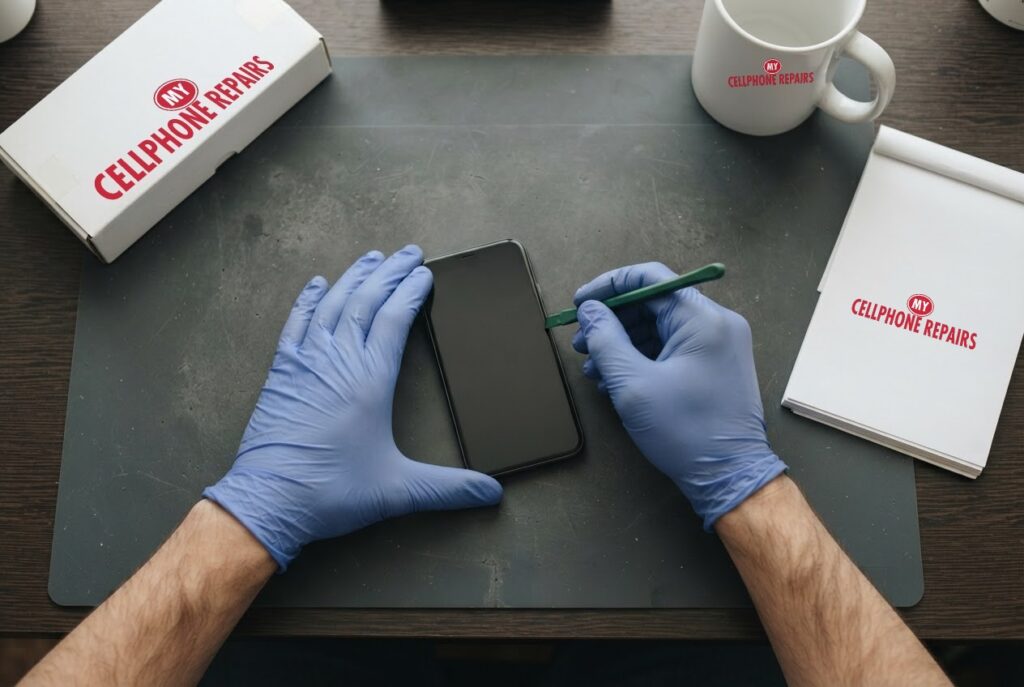
You pick up your phone and the Samsung logo is on the screen again. It rebooted while you were in the shower, or halfway through a text. If your Galaxy S24 keeps restarting, it is easy to assume the worst. Often the cause is smaller than you think, and sometimes it is not.
This guide follows the order Samsung’s own support pages recommend: check the automatic restart settings, remove problem apps with Safe mode, then decide whether the cause is software or hardware. We also cover when a factory reset makes sense and when it only wastes your time. If you decide you want a phone repair shop near you to take a look, our diagnosis is always free and most repairs are done the same day.
Key takeaways
- Not every reboot is a fault. Samsung says Galaxy phones can restart on their own through Auto restart, Inactivity restart and security updates.
- Safe mode switches off downloaded apps. If the restarts stop there, a downloaded app is the likely cause. If they carry on, Samsung says to suspect hardware.
- Stop using the phone if it is swollen, cracked, hot or has been wet. Those are service jobs, not software jobs.
- A factory reset erases everything and cannot fix a failing battery, a damaged board or water damage.
- Our quick facts: free diagnosis, same day for most repairs, 30-day warranty on repairs, exact quote before we start.
In this article: normal restarts vs real problems, what to try first, Safe mode, software vs hardware, factory reset, myths vs facts, cost, FAQ.
Galaxy S24 keeps restarting: normal or a real problem?
Some restarts are by design. Samsung’s support page explains that Galaxy phones have an Auto restart feature that can reboot the phone at set times, or when memory is running low. It only runs when the screen is off, the phone is not in use, the battery is above 30% and the SIM lock is off. Samsung says going a long time without restarting can cause problems of its own, so it generally recommends leaving the feature on.
Two more built-in reasons: One UI 8.0 added an Inactivity restart, which reboots a locked phone left unused for 72 hours, and emergency security updates can restart the phone even when automatic downloads are off.
So the first question is the pattern. A single reboot overnight is probably the phone doing housekeeping. A reboot every few minutes, a phone stuck on the logo, or restarts while you are using it point to something that needs fixing.
Try this first: restart, force restart and Safe mode (Samsung Galaxy)
These steps delete nothing. Menu names can differ by model and One UI version.
- Restart: swipe down twice from the top, tap the Power icon, then tap Restart. Or press and hold Side key + Volume Down, then tap Restart.
- Force restart (frozen screen): press and hold Volume Down + Side key together for more than 7 seconds, until the screen goes black and the Samsung logo appears.
- Safe mode: open the power menu, then touch and hold Power off until Safe mode appears, and tap it. To leave, restart normally.
- Charge first: use a Samsung-approved charger and cable. A fully drained battery may show no charging icon at first, so keep it plugged in.
When to stop and come in: the phone is swollen, cracked or has been wet, it is hot, or it still restarts in Safe mode. A factory reset will not fix a battery, board or water problem, so back up and skip it. Maker’s own help: Samsung Support: different ways to restart your Galaxy.
Full step-by-step guide: How to restart and reset your Samsung Galaxy → | All restart & reset guides →
What should I check before blaming the phone?
- Turn off Auto restart. Go to Settings > Device care > Auto optimisation > Auto restart and turn off both Restart when needed and Restart on schedule. This is a test, not a cure.
- Check Inactivity restart. It lives under Settings > Security and privacy > More security settings. Samsung says turning it off reduces data protection.
- Update the software. Go to Settings > Software update. Do not unplug the phone or use it until the update has finished.
- Uninstall suspect apps. Go to Settings > Apps, pick the app and tap Uninstall. Start with apps you added around the time the trouble began, one at a time, testing after each.
- Run Phone diagnostics. The Samsung Members app has a tool that tests the hardware.
How does Safe mode find a bad app?
Safe mode loads only the software that came with the phone. All downloaded apps are switched off. That makes it a clean experiment: use the phone normally for a while and see whether it still restarts.
If the restarts stop, the culprit is one of your apps. Samsung says to uninstall the most recently downloaded app, test again, and repeat until the problem is gone. You can reinstall the others afterwards.
If the restarts carry on in Safe mode, Samsung’s guidance is that the phone likely has a hardware fault, and it recommends a service visit. Tell us the result when you bring the phone in.
Stuck on the Samsung logo? Samsung says to make sure the battery is at least 5% (charge 15 minutes if drained), then hold Volume Down + Side key for about 10 seconds. If Maintenance mode appears, select Normal Boot with the volume keys, then try Safe mode.
Is it software or hardware? Signs it is not an app
Samsung says to get service if the phone is damaged, has been wet, or still misbehaves in Safe mode. Here is how those look.
- A swollen battery. Android Authority lists the signs: a bump or wobble when the phone lies flat, a back panel starting to lift, an odd smell, slow charging or shorter battery life. Gas builds up inside the cell, and heat, age and damage can all play a part. If you see this, power the phone off, do not charge it, keep it away from anything flammable, and do not throw it in the bin or post it anywhere.
- Water or moisture. Samsung says a phone exposed to liquid should be inspected even if it seems to work normally. Do not use a hair dryer, heat or compressed air, and do not plug in a charger until the phone is fully dry.
- Physical damage. A cracked back or a bent or corroded charging port can cause trouble. Samsung asks owners to look for corrosion, bent pins and a damaged SIM tray.
- A stuck power button or a poor charger. Samsung lists both as causes of unexpected shutdowns, so test with an approved charger.
Software and hardware faults can look identical from the outside, which is why we start with a free diagnosis. If it is a swollen battery, a Galaxy S24 battery replacement is from $89, and a swollen battery is not something to wait on.
Should I factory reset my Galaxy S24?
Only as a last resort, and only for a software problem. Samsung puts it last in its boot loop steps. Read these warnings first.
- Back up first. Use Smart Switch or your cloud account. Everything on the phone will be erased.
- Know your Samsung account details. You will be asked for them. Samsung says the phone needs a network connection to sign out of your account before the reset can finish.
- Decrypt an encrypted microSD card first. Samsung says to search Settings for Decrypt SD card.
- It will not fix hardware. A reset cannot repair a swollen battery, a damaged port or water damage.
Factory reset steps (phone works normally)
- Back up your data and charge the phone.
- Open Settings > General management > Reset > Factory data reset.
- Tap Reset, then Delete all, and enter your Samsung account details if asked.
If the phone will not start at all, the full steps for recovery mode are in our Samsung Galaxy guide. If it still restarts after a reset, the problem is almost certainly in the hardware.
Myths vs facts about phone restarts
- Myth: A restart loop always means a virus. Fact: Samsung lists Auto restart, security updates and unstable apps as common causes, so test Safe mode before assuming the worst.
- Myth: A factory reset fixes any restart problem. Fact: It only fixes software. If the restarts continue after a reset, a hardware fault is likely.
- Myth: A slightly puffy phone can wait. Fact: Android Authority advises powering it off and getting a professional repair.
- Myth: A phone that dried out is fine. Fact: Samsung says to have it inspected even if it seems to work.
To lower the odds of trouble, install updates, use a Samsung-approved charger and add new apps one at a time.
How much does a Galaxy S24 restart problem cost to fix?
It depends on the cause, so we never guess: you get a free diagnosis and an exact quote before we start. Most repairs are done the same day, they carry our 30-day warranty, and walk-ins are welcome. Most of our stores are open on Sundays.
For reference, our listed Galaxy S24 prices are battery replacement from $89 and back glass repair from $89 (the Galaxy S24 Ultra back glass is also from $89). If a drop also cracked the screen, a Galaxy S24 screen is from $189.99 for a certified screen or $219.99 for an original Samsung screen. We also fix tablets and computers: looking for tablet repair near me, Samsung tablet repair or laptop repair near me? Bring them in too.
FAQ
Why does my Samsung phone restart by itself?
Auto restart, Inactivity restart, a security update, an unstable app or a hardware fault. Try Safe mode, and if it still restarts there, come in for an exact quote.
Will Safe mode delete my data?
No. Safe mode only switches off downloaded apps until you restart normally. A factory reset is what erases your data, so back up before trying one.
How long does a Galaxy repair take?
Most are done the same day. Walk in or book a repair and we will quote the exact price before starting.
Sources
- Samsung Support: Galaxy will not start or is in a boot loop
- Samsung Support: Galaxy stuck at the Samsung logo screen
- Samsung Support: what to do if your phone keeps restarting
- Samsung Support: different ways to restart your Galaxy
- Android Authority: what to do if your phone battery is swollen
#MyCellphoneRepairs #Samsung #Galaxy #SamsungRepair #GalaxyS24 #BootLoop #PhoneKeepsRestarting #PhoneRepair #SameDayRepair #Maryland #Baltimore
Get it fixed at My Cellphone Repairs: most repairs are done the same day. Walk in or book online.
Book NowPhone frozen or acting up? See our step-by-step restart & reset guides →
Our locations
- Towson Mall825 Dulaney Valley Rd, Second Level, Towson, MD 21204
(410) 828-4404 - Grand Rapids3077 28th St SE, Grand Rapids, MI 49512
(616) 799-6996 - PG Plaza Mall (Hyattsville)3500 East-West Hwy, Mall at Prince George's, Target Entrance, Hyattsville, MD 20782
(301) 559-1105 - Bowie Town Center15630 Emerald Way, Bowie, MD 20716
(240) 614-3600 - Capital City Mall (Camp Hill / Harrisburg area)3604 Capital City Mall Dr, Camp Hill, PA 17011
(717) 919-7868 - Cumberland Mall (Vineland)3849 S Delsea Dr, next to Boost Mobile, Dick's Sporting Goods entrance, Vineland, NJ 08360
(856) 765-5049 - Mondawmin Mall2401 Liberty Heights Ave, Lower Level, Baltimore, MD 21215
(443) 826-7711 - Baltimore Inner Harbor100 East Pratt St, Suite 101, Baltimore, MD 21202
(443) 838-8989 - St Charles Mall (Waldorf)11110 Mall Cir, Waldorf, MD 20603
(301) 645-7755 - Alexandria7650 Richmond Hwy, Alexandria, VA 22306
(703) 341-6789