
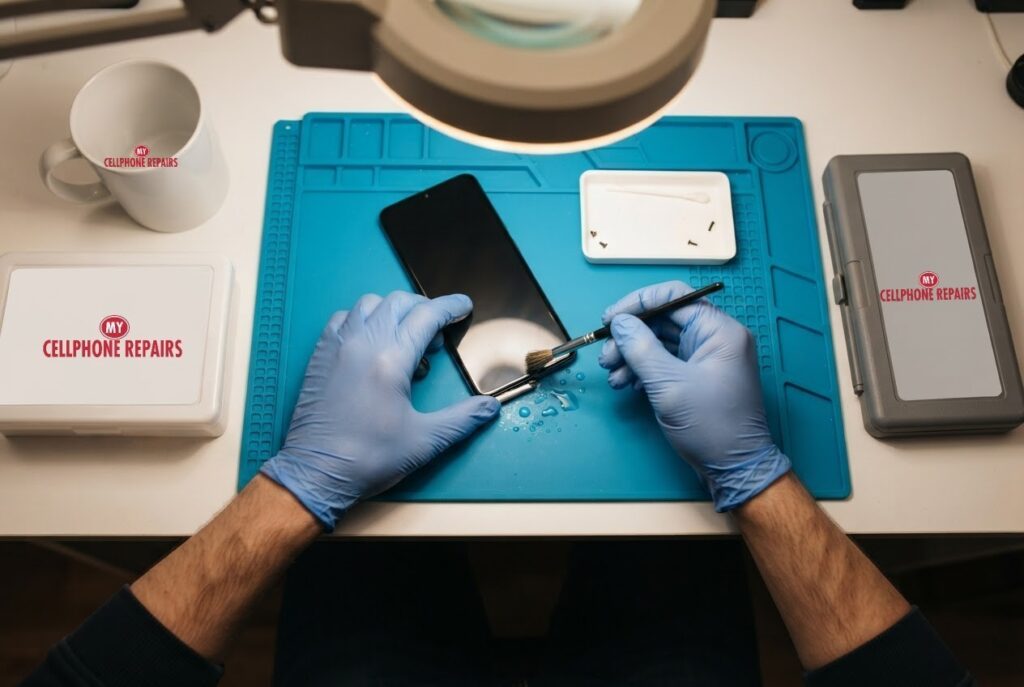
You plug in your iPhone before bed, and instead of the charging icon you get an iPhone liquid detected warning. The phone refuses to charge, even though you swear nothing got spilled. Here is the short answer: the alert is a safety lock, not a broken phone, and in most cases the right move is to unplug, let the connector dry with airflow and try again later. If the alert keeps coming back, we offer a free diagnosis and same day phone repair for most charging port problems. Below you will learn what the alert means, the exact steps Apple recommends, the common “fixes” that make things worse, and when it is time to bring the phone in.
Key takeaways
- The alert blocks charging because charging a wet connector can corrode the pins and cause permanent damage.
- Unplug both ends, tap the phone gently connector-down, then let it dry in open air for at least 30 minutes.
- Do not use heat, compressed air, cotton swabs, paper towels or a bag of rice.
- An emergency override exists, but Apple advises against charging a wet iPhone.
- Alert with a dry phone and every cable? That points to the port, so get a free diagnosis.
In this article: what the alert means, what to do right now, what not to do, the emergency override, a dry phone that still complains, myths vs facts, cost, FAQ.
What does the iPhone liquid detected alert actually mean?
It means the iPhone has sensed moisture in its charging connector or in the end of the cable or accessory you plugged in. Apple says the alert applies to iPhone XS, XS Max, XR and later, and the wording changes with the cable: “Charging not available,” “Liquid Detected in USB-C Connector,” “Liquid detected in Lightning Connector,” or simply “Liquid Detected” for a USB-C accessory.
Why would a phone block charging? Apple explains that charging with a wet connector can corrode the pins, which can cause permanent damage or connection problems. Think of the pins as tiny metal contacts carrying power. When water sits between them while power flows, a small electrical reaction can eat away at the metal. The alert is the phone protecting itself until the connector is dry.
What should I do right now if my iPhone shows the alert?
Apple’s own steps are simple, and they work best when you follow them in order:
- Unplug the cable from the iPhone and from the power adapter or accessory.
- Do not reconnect anything until it is all completely dry.
- Gently tap the iPhone against your hand with the connector facing down to shake out excess liquid.
- Leave the phone in a dry area with some airflow.
- After at least 30 minutes, try charging or connecting the accessory again.
- If the alert returns, keep drying it. Apple says this can take up to 24 hours, and you can retry during that time.
- If it is dry but still will not charge, unplug the cable from the adapter and the adapter from the wall, then plug everything back in.
There is a small difference in Apple’s wording worth knowing. The liquid-detection page says you can retry after 30 minutes. A separate Apple page on handling and water resistance says to wait at least five hours before charging with a cable after the phone gets wet. If your phone was actually splashed or dunked, the longer wait is the safer one.
A Qi-certified wireless charger is another option, according to Apple. Wipe the back of the phone dry first.
What should I avoid doing to a wet charging port?
Most of the damage we see comes from over-eager home fixes. Apple says to avoid:
- External heat, such as a hair dryer, and compressed air.
- Inserting cotton swabs, paper towels or other objects into the connector.
- Placing the iPhone in a bag of rice, because rice particles can cause damage.
If you can see lint or dirt in the port, Apple’s “won’t charge” page tells you to remove debris from the charging port, but it does not describe a cleaning method, and Apple’s liquid page warns against putting objects in the connector. That is the point where we suggest letting a technician look at it under magnification rather than digging around.
What is the emergency override, and should I use it?
Apple says that when you reconnect the cable, you have the option, in an emergency, to override the liquid detection and charge anyway. Apple also says plainly that it advises against charging while wet. Our view is simple: use it only if the phone is nearly dead and you truly need it, and expect to have the port checked afterwards. Using accessories or charging when wet might damage the iPhone, according to Apple’s handling page.
The phone is dry but the alert will not go away. Now what?
First, work out whether the problem is the phone or the cable. Apple says that if the alert shows up every time with one specific cable or accessory, that cable or accessory may be damaged, and you should contact its maker. If it appears with any Apple Lightning or USB-C cable or accessory, the iPhone may need service.
That second case is where we come in. A port can hold hidden moisture, pocket lint or early corrosion. Our technicians inspect the port under magnification and test charging with known good parts. Apple also notes that liquid damage is not covered by its one-year warranty, so a local repair is often the practical route. Apple adds that most iPhones carry liquid contact indicators that turn red after exposure to water, and that you should have the device inspected if you are unsure.
Is your phone rated to resist water? Apple’s IP68 models are rated for depths such as 6 meters for 30 minutes on most recent models, tested in controlled lab conditions, but Apple says the resistance is not permanent and can decrease with normal wear. A phone that survived the pool last summer may be less protected today.
Android phones have a similar feature. Android Authority explains that Android 10 can show a “USB Port Disabled” message and switch the port off when it detects liquid or debris, then turn it back on once it is clear.
Myths vs facts about iPhone liquid alerts
- Myth: A bag of rice dries a phone fast. Fact: Apple says rice particles can cause damage. Use open, dry airflow instead.
- Myth: The alert means the phone is ruined. Fact: It is a protective lock. Many phones recover after drying.
- Myth: A hair dryer speeds things up. Fact: Apple advises against external heat.
- Myth: If the screen works, nothing else got wet. Fact: The connector is a small opening, and moisture there can matter even when the display looks fine.
Try this first: restart and force restart (iPhone)
These steps delete nothing. If the phone got wet, do not keep trying to power it on or charge it: let it dry and come in.
- Restart: on iPhone X or later, press and hold a volume button and the side button until the power-off slider appears, drag it, then hold the side button to turn it back on.
- Force restart (frozen screen): on iPhone 8 and later, press and release Volume Up, press and release Volume Down, then hold the side button until the Apple logo appears.
- Menu names and buttons can differ slightly on older models.
When to stop and come in: the alert returns after a full day of drying, the phone will not charge after 30 minutes on a known good charger, it gets hot, or it restarts over and over. A factory reset will not fix a wet or damaged port, and it erases everything, so skip it. Maker’s own steps: Apple Support: restart your iPhone.
Full step-by-step guide: How to restart and reset your iPhone → | All restart & reset guides →
How much does iPhone charging port repair cost?
Charging port repairs depend on the model and on what we find, so we do not guess a number here. You get a free diagnosis and an exact quote before we start. Most charging repairs are done the same day, the repair comes with our 30-day warranty, and walk-ins are welcome. Most of our stores are open on Sundays, so a “phone repair open Sunday” search can end with a working charger by dinner.
We also fix tablets and computers. Looking for tablet repair near me, an iPad screen repair cost or laptop repair near me? Bring them in for a free diagnosis too.
FAQ
Can I charge my iPhone if it says liquid detected?
Apple says not to charge until the connector, cable and accessory are dry, though an emergency override exists. If you are unsure, wait, dry the phone with airflow and stop by for a free diagnosis.
How long does a wet iPhone charging port take to dry?
Apple says drying can take up to 24 hours, and you can retry after at least 30 minutes. For a phone that was actually soaked, Apple’s handling page says to wait at least five hours. If it still alerts, book a repair or walk in.
Is iPhone charging port repair covered by warranty?
Apple says liquid damage is not covered by its one-year limited warranty, though you may have rights under local consumer law. We repair charging ports in-store with a 30-day warranty and a free diagnosis first.
Sources
- Apple Support: If you see a liquid-detection alert on your iPhone
- Apple Support: About splash, water and dust resistance of iPhone 7 and later
- Apple Support: If your iPhone or iPod touch won’t charge
- Apple Support: Water and other liquid damage isn’t covered by warranty
- Android Authority: Android 10 will warn users when the USB port overheats or gets contaminated
#MyCellphoneRepairs #iPhone #Apple #iPhone16 #iPhoneRepair #ChargingPort #LiquidDetected #USBC #PhoneRepair #SameDayRepair #HyattsvilleMD #Baltimore
Get it fixed at My Cellphone Repairs: most repairs are done the same day. Walk in or book online.
Book NowPhone frozen or acting up? See our step-by-step restart & reset guides →
Our locations
- Towson Mall825 Dulaney Valley Rd, Second Level, Towson, MD 21204
(410) 828-4404 - Grand Rapids3077 28th St SE, Grand Rapids, MI 49512
(616) 799-6996 - PG Plaza Mall (Hyattsville)3500 East-West Hwy, Mall at Prince George's, Target Entrance, Hyattsville, MD 20782
(301) 559-1105 - Bowie Town Center15630 Emerald Way, Bowie, MD 20716
(240) 614-3600 - Capital City Mall (Camp Hill / Harrisburg area)3604 Capital City Mall Dr, Camp Hill, PA 17011
(717) 919-7868 - Cumberland Mall (Vineland)3849 S Delsea Dr, next to Boost Mobile, Dick's Sporting Goods entrance, Vineland, NJ 08360
(856) 765-5049 - Mondawmin Mall2401 Liberty Heights Ave, Lower Level, Baltimore, MD 21215
(443) 826-7711 - Baltimore Inner Harbor100 East Pratt St, Suite 101, Baltimore, MD 21202
(443) 838-8989 - St Charles Mall (Waldorf)11110 Mall Cir, Waldorf, MD 20603
(301) 645-7755 - Alexandria7650 Richmond Hwy, Alexandria, VA 22306
(703) 341-6789