
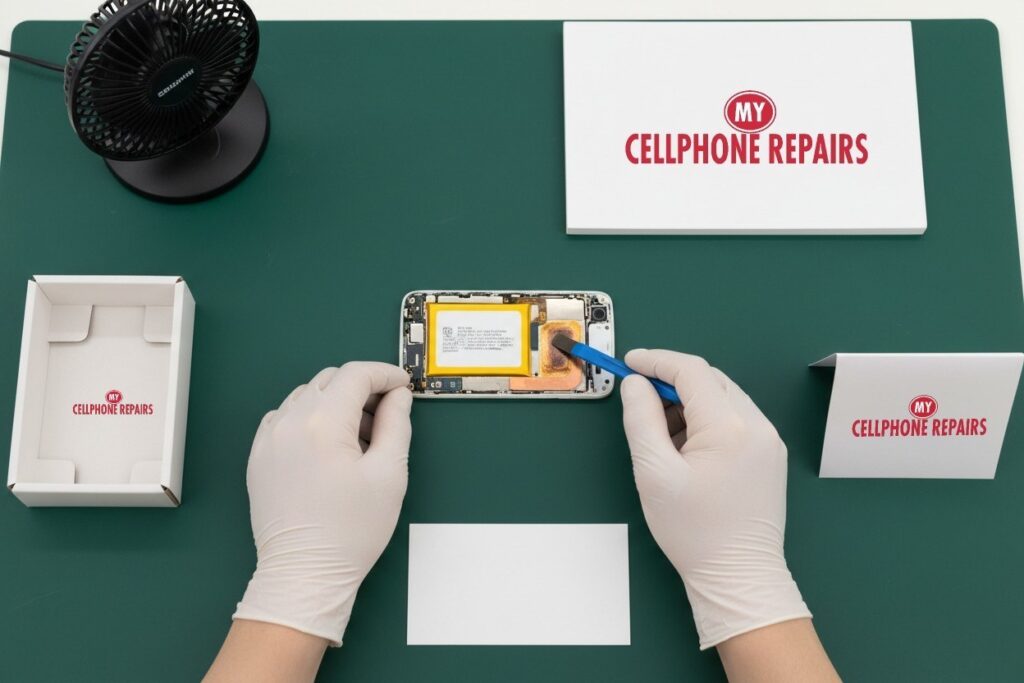
You pick up your Moto G Power to check a message and it feels like a hot mug. Maybe it happened while charging overnight, or halfway through a video call. Is that normal, or is something wrong inside? This guide explains why a Moto G Power gets hot, what you can safely try first, and when it’s time for a free diagnosis. If you’d rather have a pro look, we offer phone repair near you, and most repairs are done the same day.
Key takeaways
- Warm is normal during setup, updates, gaming, streaming and fast charging. Hot for no reason is not.
- Motorola says its phones have built-in protection and will slow down or shut off if they get too hot.
- Restart, update, check your charger and cable, and test in Safe mode before assuming the worst.
- A phone that stays hot while idle, or a battery that bulges, needs a professional look.
- Free diagnosis, same-day repair for most jobs, and a 30-day warranty on premium screens and other repairs.
In this guide: why phones get hot · normal heat vs a problem · try this first · what a technician checks · myths and prevention · FAQ
Why does a Moto G Power get hot?
Every phone makes heat when its processor, screen, radio and battery work hard. Motorola’s own support page lists the everyday causes: the first days after setup while the phone restores your data and installs updates, long gaming or streaming sessions, running many apps at once, a weak signal, and leaving the phone in direct sunlight.
Charging is the other big one. Motorola explains that its Turbo charger charges faster at lower battery levels, and that can make the phone feel warm. That is intended behavior. Charging while you game or video call stacks two heat sources at once, so the phone struggles to shed it.
Environment and accessories play a part too. Thick cases trap heat, and a phone under a pillow, in a bag or on a car dashboard can’t cool down. Major tech sites add that sustained heat is hard on the battery: one Android Authority guide notes that excess heat speeds up battery wear.
Is my phone just warm, or is something wrong?
Warm during heavy use that cools down once you stop is normal. These signs point to a real problem:
- Hot while idle. It’s sitting on the table, screen off, and still feels hot. Motorola says to restart it, which stops a stuck process.
- Hot every time you charge, even with nothing running. Motorola says to unplug right away and try a different, original or compatible charger.
- Battery draining fast along with the heat. That can be a rogue app or a tired battery.
- A bulging back or lifting screen. If the back or screen starts lifting, the battery may be swelling. Stop charging it and bring it in.
- Shutdowns and slowdowns. Motorola says the phone limits charging, dims the screen and cuts functions until it cools, and shuts off if it gets too hot. A summary of Motorola’s guidance puts the cool-down limit at about 136°F (58°C).
If the phone is still under Motorola’s warranty, check that first. Otherwise, a free diagnosis at our store tells you quickly whether the battery, charging port or software is at fault.
Try this first: cool it, restart it, test it
- Unplug and cool down. Take it out of the case and move it somewhere shaded. Don’t put it in the fridge or under cold water.
- Restart. Press and hold the Power button, then tap Restart.
- Force restart if it’s frozen. Hold the Power button for 10 to 20 seconds until the phone restarts. Some older models use Power plus Volume Up. This deletes nothing.
- Update. Settings, System, System update, and update your apps in the Play Store.
- Try Safe mode. Open the power menu, touch and hold Power off, then tap OK. If the heat and battery drain stop in Safe mode, a downloaded app is the likely cause. Uninstall recent apps one at a time. Restart to leave Safe mode.
- Swap the charger and cable. Use the charger that came with the phone or a compatible one, and check the cable for fraying.
A factory reset is a last resort for software trouble only. It erases everything, so back up first and know your Google account password, because Factory Reset Protection may ask for it. It will not fix a hot battery or a damaged port. Menu names can differ slightly by model and software version.
When to stop and come in: it won’t turn on after a force restart and 30 minutes on the charger, it restarts over and over, it got wet, or the back or screen is lifting. Free diagnosis at any of our stores.
Maker’s steps: Motorola Safe mode.
Full step-by-step guide: How to restart and reset your Motorola →
All restart & reset guides →
What does a technician check on a hot phone?
When a Moto G Power comes in hot, a sensible check works from the simplest cause to the hardest. It looks like this:
- Charging port and cable. Lint or debris in the port, or a damaged cable, can make the connector heat up. Samsung’s support page lists debris in the connector and damaged or third-party chargers among common causes, and the same logic applies to any USB-C phone.
- The battery. Motorola’s Device Help app has a battery test under Device diagnosis, Hardware Test. If it fails, Motorola says to visit a service center. A worn battery works harder, runs hotter and drains faster.
- Software load. A runaway app or a stuck update keeps the processor busy. Safe mode helps separate this from hardware.
- Signs of damage. Physical swelling, a dented frame or past water exposure all raise the risk. Motorola says that if the battery or battery pins are damaged, you should stop using the device and have it repaired.
Honest note: a hot phone is a symptom, not a diagnosis. We’ll tell you plainly if the fix is a new battery, a port cleaning, or simply an app to delete. Diagnosis is always free, and if there’s nothing to repair, you pay nothing.
Myths vs facts about phone heat
- Myth: put it in the fridge to cool it quickly. Fact: sudden cold is not recommended. Let it cool in the shade at room temperature.
- Myth: it’s always the battery. Fact: setup, updates, signal, sun and a case are all common causes. Check them first.
- Myth: leaving it plugged in at 100% is harmless. Fact: Motorola says a full battery that stays connected keeps topping off, which creates heat and stress that can wear it out. That’s why the Moto G Power has an Overcharge protection option (Settings, Battery) that caps charging at 80% after three days plugged in.
- Myth: a factory reset fixes any overheating. Fact: it only helps software problems.
How to keep your Moto G Power cooler
- Take the case off when charging or gaming, especially a thick one.
- Don’t charge under a pillow or blanket, in a bag, or in a hot car.
- Avoid heavy gaming or video calls while charging.
- Lower brightness, shorten screen timeout, and review the refresh rate in Settings, Display, as Motorola suggests.
- Check Settings, Battery, Battery usage and optimize or remove heavy apps.
- Turn on Overcharge protection if your model has it.
- Keep software and apps updated.
Quick facts and what it costs
| Diagnosis | Free, always |
| Turnaround | Same day for most repairs, walk-ins welcome |
| Warranty | 30 days on premium screens and other repairs (none on budget screens) |
| Moto G Power battery | Free diagnosis and an exact quote before we start |
| Moto G Power screen, from | $119.99 (2026 and 2024 models), $129.99 (2025 model) |
We only recommend a part once the free diagnosis shows it’s needed.
We also fix tablets and computers: from tablet repair near me and iPad screen repair cost questions to laptop repair near me and MacBook repair near me, ask our team.
FAQ
Why is my phone so hot?
Usually heavy use, charging, a weak signal, sun or a case. If it’s hot while idle, restart it and try Safe mode. Still hot? Book a free diagnosis and we’ll check the battery and port.
Why does my phone overheat when charging?
Fast charging makes warmth by design, but heavy heat can mean a damaged cable, a poor charger, a dirty port or a worn battery. Unplug, try another charger, and if it repeats, come in for a free diagnosis.
Phone overheating after an update?
Motorola lists updates and data restores among the normal causes of heat. Restart the phone and update your apps. If it’s still hot after that, walk in and we’ll check it for free.
#MyCellphoneRepairs #Motorola #MotoG #MotorolaRepair #MotoGPower #PhoneOverheating #PhoneRepair #SameDayRepair #FreeDiagnosis #TowsonMD #Baltimore
Sources
- Motorola Support: My phone feels warm or hot
- Motorola Support: Safe mode
- Motorola Help: Prevent overcharging
- Android Authority: Motorola Moto G problems and how to fix them
- Android Authority: How to stop your phone from overheating
Get it fixed at My Cellphone Repairs: most repairs are done the same day. Walk in or book online.
Book NowPhone frozen or acting up? See our step-by-step restart & reset guides →
Our locations
- Towson Mall825 Dulaney Valley Rd, Second Level, Towson, MD 21204
(410) 828-4404 - Grand Rapids3077 28th St SE, Grand Rapids, MI 49512
(616) 799-6996 - PG Plaza Mall (Hyattsville)3500 East-West Hwy, Mall at Prince George's, Target Entrance, Hyattsville, MD 20782
(301) 559-1105 - Bowie Town Center15630 Emerald Way, Bowie, MD 20716
(240) 614-3600 - Capital City Mall (Camp Hill / Harrisburg area)3604 Capital City Mall Dr, Camp Hill, PA 17011
(717) 919-7868 - Cumberland Mall (Vineland)3849 S Delsea Dr, next to Boost Mobile, Dick's Sporting Goods entrance, Vineland, NJ 08360
(856) 765-5049 - Mondawmin Mall2401 Liberty Heights Ave, Lower Level, Baltimore, MD 21215
(443) 826-7711 - Baltimore Inner Harbor100 East Pratt St, Suite 101, Baltimore, MD 21202
(443) 838-8989 - St Charles Mall (Waldorf)11110 Mall Cir, Waldorf, MD 20603
(301) 645-7755 - Alexandria7650 Richmond Hwy, Alexandria, VA 22306
(703) 341-6789