
The sink, the pool, the toilet, a spilled drink, a rainy walk. Water and phones meet more often than anyone would like. And the first thing most people do, grabbing a bag of rice, is something Apple now tells you not to do.
The good news: a wet phone isn’t automatically a dead phone. What you do in the first hour matters more than anything else. This guide explains how water actually damages a phone, the steps to take right away, the mistakes to avoid, the warning signs of hidden damage, and when a professional cleaning is worth it.
Key takeaways
- Water causes damage in two ways: short circuits while the phone is powered, and corrosion that keeps growing for days or weeks.
- Right away: get it out, wipe it, tap the port side down, and let it dry in moving air. Don’t charge it.
- Skip the rice, the hair dryer and the cotton swabs. Apple warns that rice particles can damage the phone.
- “Water resistant” is not “waterproof.” The rating wears down over time, and Apple says liquid damage isn’t covered by its warranty.
- Salt water, pool water and sugary drinks are the most damaging. Get those phones checked fast. Diagnosis at My Cellphone Repairs is free.
In this article: How water damages a phone · What to do right away · What not to do · Signs of hidden damage · DIY vs professional cleaning · When it’s not worth fixing · FAQ
How water damages a phone
Pure water doesn’t conduct electricity well. The water in real life does: tap water, pool water, sea water and drinks all carry minerals, salt, chlorine or sugar. Inside a phone, that causes two kinds of damage:
- Short circuits, right away. If the phone is on (or charging) while liquid bridges two connections, current goes where it shouldn’t. This can burn out a chip in an instant.
- Corrosion, over days and weeks. Even after the water dries, the minerals stay behind and start eating away at tiny metal contacts on the circuit board. That’s why some phones seem fine for a week and then start acting up.
What about water resistance? Most recent phones are rated IP67 or IP68. Those ratings come from lab tests in fresh water. They don’t cover salt water, pool chemicals, soap, hot showers or high-pressure jets, and the seals wear down with age, drops and repairs. Apple says water resistance is “not permanent” and that liquid damage “is not covered under warranty” (Apple Support).
What to do right away
- Get it out fast. Every second underwater lets more liquid in.
- If it’s off, leave it off. If it’s on and acting strange, power it off. Don’t keep testing buttons, music or the camera “to see if it works.”
- Don’t plug it in. Apple says to wait at least 5 hours before charging with a cable (Apple Support). Charging a wet port can corrode the pins.
- Take off the case and wipe the outside with a soft, lint-free cloth.
- Tap out the water. Hold the phone with the charging port facing down and tap it gently against your palm.
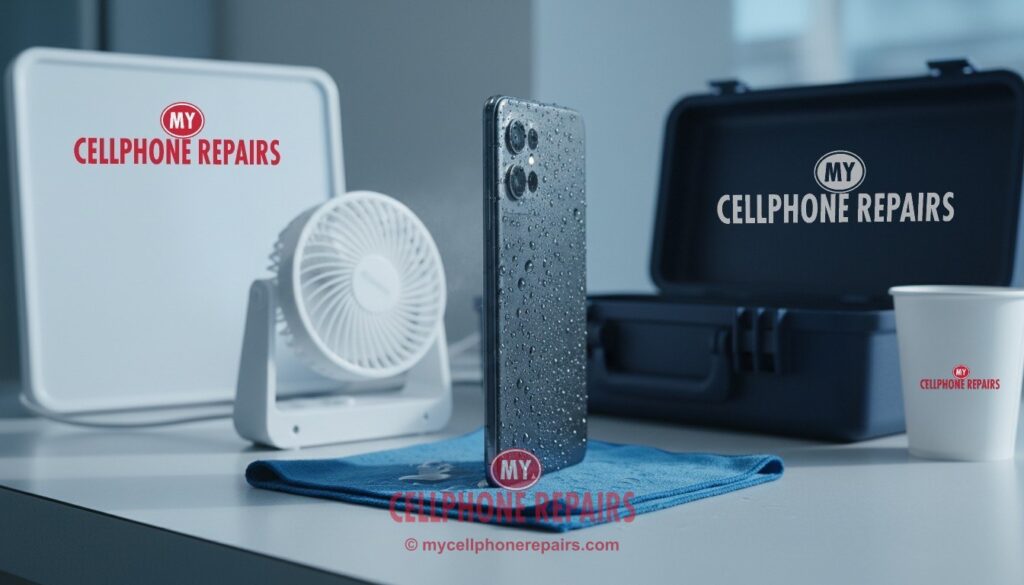
- Let it dry in moving air. Put it in a dry spot with airflow. Apple says a fan blowing cool air into the port may help.
- Remove the SIM tray only once the outside is dry.
- Salt water, pool water or a sugary drink? Don’t wait to see what happens. These liquids corrode fastest. Bring the phone in as soon as you can.
What not to do
- Don’t use rice. In 2024 Apple updated its advice to say a bag of rice could let small rice particles damage your iPhone (CBS News). Rice also doesn’t pull water out from inside the phone. Open air works as well or better.
- Don’t use heat. Hair dryers, ovens, microwaves and radiators can warp parts, damage the screen and stress the battery. Apple says not to dry your iPhone with an external heat source.
- Don’t push things into the port. Cotton swabs and paper towels leave fibers and can bend the pins.
- Don’t blast it with compressed air. Strong air can push water deeper inside.
- Don’t ignore “Liquid Detected” warnings. iPhones and many Samsung and Pixel phones block or warn about wired charging when they sense moisture in the port. Samsung explains this is done on purpose to prevent corrosion, and wireless charging may still work (Samsung Support). Don’t use the emergency override unless you’re sure the port is dry.
Once it’s dry: try a restart
After the phone has dried for several hours, a restart is a safe first test. If it won’t turn on, won’t charge or acts strangely, stop and get it checked rather than trying again and again.
Restart steps for your phone: our restart & reset guides (iPhone, Samsung Galaxy, Google Pixel).
Signs of hidden water damage
A phone can turn on after getting wet and still have damage inside. Watch for these over the next few weeks:
- Fog or droplets inside the camera lens
- Muffled speaker or microphone (this can be temporary while water evaporates)
- “Liquid Detected” or “Moisture detected” messages that keep coming back
- Spots, lines or a dim area on the screen
- Random restarts, fast battery drain or a phone that gets hot
- Not charging, or charging only at certain angles
- Face ID, Face Unlock or the fingerprint reader stops working
If you see any of these, get it checked early. Corrosion is much easier to clean before it spreads.
DIY vs professional cleaning
Drying the outside is the most you can safely do at home. The real damage is on the circuit board, and you can’t see or reach it without opening the phone, which on most models means heating and lifting a glued screen.
A professional water damage service usually means opening the phone, disconnecting the battery so nothing shorts, inspecting the board, cleaning corrosion away, letting everything dry fully, and then testing each part. Sometimes a single damaged part, like the charging port, speaker or screen, needs to be replaced as well.
How long it takes: unlike a screen or battery swap, water damage can’t be rushed. Diagnosis is quick, but cleaning and drying can take from a few hours to a couple of days, depending on the damage. We’ll give you an honest estimate after we look inside.
An honest note: no shop can promise to save every water-damaged phone. The sooner it’s opened and cleaned, the better the odds.
When it’s not worth fixing
- Heavy corrosion on the main board of an older phone, where repair would cost close to a replacement.
- Several parts damaged at once (screen, battery, port and cameras).
- The phone no longer gets software updates.
Even then, your photos and contacts may still be worth saving. Tell us if your data is the priority, and we’ll focus on getting the phone working long enough to back it up.
Get your wet phone checked at My Cellphone Repairs
Bring it in as soon as you can. Diagnosis is free. Many repairs, like screens, batteries and charging ports, take just 15–30 minutes, and most repairs are done the same day. Water damage cleaning can take longer, and we’ll tell you how long before we start. Book a free diagnosis.
We also fix tablets and computers
Spilled coffee on your laptop or MacBook? Wet iPad? We also handle laptop and MacBook liquid damage, iPad repair and Samsung tablet repair at the same stores, with the same free diagnosis. With a laptop, turn it off and unplug it right away.
Questions people ask
Should I put my wet phone in rice?
No. Apple advises against it, because rice particles can get into the phone. Wipe it, tap the port side down and let it dry in moving air instead.
How long should I wait before charging a wet phone?
Apple says at least 5 hours before charging with a cable. If you see a liquid warning, unplug and wait until the port is completely dry.
My phone works after getting wet. Is it OK?
Maybe, but corrosion can show up days or weeks later. Watch for the warning signs above, and get a free check if anything seems off.
Can you save the data on a water-damaged phone?
Often, yes, especially if it’s brought in quickly. Book a free diagnosis and tell us your data is the priority.
Sources
- Apple Support: About splash, water, and dust resistance of iPhone
- Samsung Support: Moisture in a water-resistant phone’s charging port
- Pixel Phone Help: “Liquid or debris” message
- CBS News: Apple says don’t put a wet iPhone in rice
#MyCellphoneRepairs #WaterDamage #WetPhone #PhoneRepair #iPhoneRepair #SamsungRepair #PixelRepair #LiquidDamage #SameDayRepair #BowieMD #CampHillPA #VinelandNJ
Get it fixed at My Cellphone Repairs: most repairs are done the same day. Walk in or book online.
Book NowPhone frozen or acting up? See our step-by-step restart & reset guides →
Our locations
- Towson Mall825 Dulaney Valley Rd, Second Level, Towson, MD 21204
(410) 828-4404 - Grand Rapids3077 28th St SE, Grand Rapids, MI 49512
(616) 799-6996 - PG Plaza Mall (Hyattsville)3500 East-West Hwy, Mall at Prince George's, Target Entrance, Hyattsville, MD 20782
(301) 559-1105 - Bowie Town Center15630 Emerald Way, Bowie, MD 20716
(240) 614-3600 - Capital City Mall (Camp Hill / Harrisburg area)3604 Capital City Mall Dr, Camp Hill, PA 17011
(717) 919-7868 - Cumberland Mall (Vineland)3849 S Delsea Dr, next to Boost Mobile, Dick's Sporting Goods entrance, Vineland, NJ 08360
(856) 765-5049 - Mondawmin Mall2401 Liberty Heights Ave, Lower Level, Baltimore, MD 21215
(443) 826-7711 - Baltimore Inner Harbor100 East Pratt St, Suite 101, Baltimore, MD 21202
(443) 838-8989 - St Charles Mall (Waldorf)11110 Mall Cir, Waldorf, MD 20603
(301) 645-7755 - Alexandria7650 Richmond Hwy, Alexandria, VA 22306
(703) 341-6789